FT800 Series Programmer Guide
Version 2.1
Document Reference No.: BRT_000030 Clearance No.: BRT#037
120
Product Page
Document Feedback Copyright © Bridgetek Limited
4.25 COLOR_MASK
Enable or disable writing of color components
Encoding
Parameters
r
Enable or disable the red channel update of the FT800 color buffer. The initial
value is 1 and means enable.
g
Enable or disable the green channel update of the FT800 color buffer. The
initial value is 1 and means enable.
b
Enable or disable the blue channel update of the FT800 color buffer. The initial
value is 1 and means enable.
a
Enable or disable the alpha channel update of the FT800 color buffer. The
initial value is 1 and means enable.
Description
The color mask controls whether the color values of a pixel are updated. Sometimes
it is used to selectively update only the red, green, blue or alpha channels of the
image. More often, it is used to completely disable color updates while updating the
tag and stencil buffers.
Examples
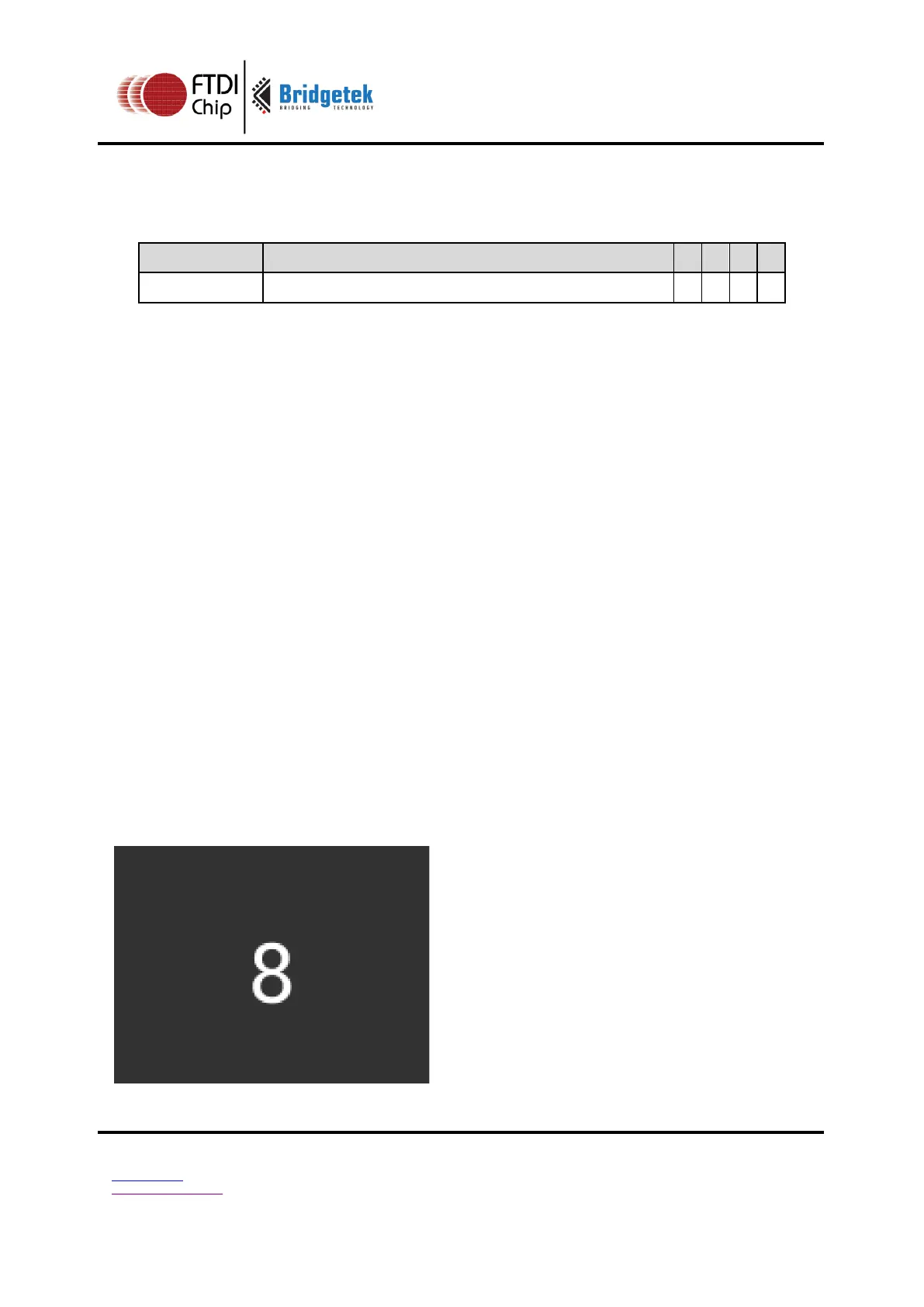
Draw a '8' digit in the middle of the screen. Then paint an invisible 40-pixel circular
touch area into the tag buffer:
dl( BEGIN(BITMAPS) );
dl( VERTEX2II(68, 40, 31, 0x38) );
dl( POINT_SIZE(40 * 16) );
dl( COLOR_MASK(0, 0, 0, 0) );
dl( BEGIN(POINTS) );
dl( TAG( 0x38 ) );
dl( VERTEX2II(80, 60, 0, 0) );



 To Next Page