FT800 Series Programmer Guide
Version 2.1
Document Reference No.: BRT_000030 Clearance No.: BRT#037
181
Product Page
Document Feedback Copyright © Bridgetek Limited
5.29 CMD_GRADCOLOR - set the 3D button highlight color
C prototype
void cmd_gradcolor( uint32_t c );
Parameters
c
New highlight gradient color, as a 24-bit RGB number. Red is the most
significant 8 bits, blue is the least. So 0xff0000 is bright red.
Gradient is supported only for Button and Keys widgets.
Command layout
CMD_GRADCOLOR(0xffffff34)
Examples
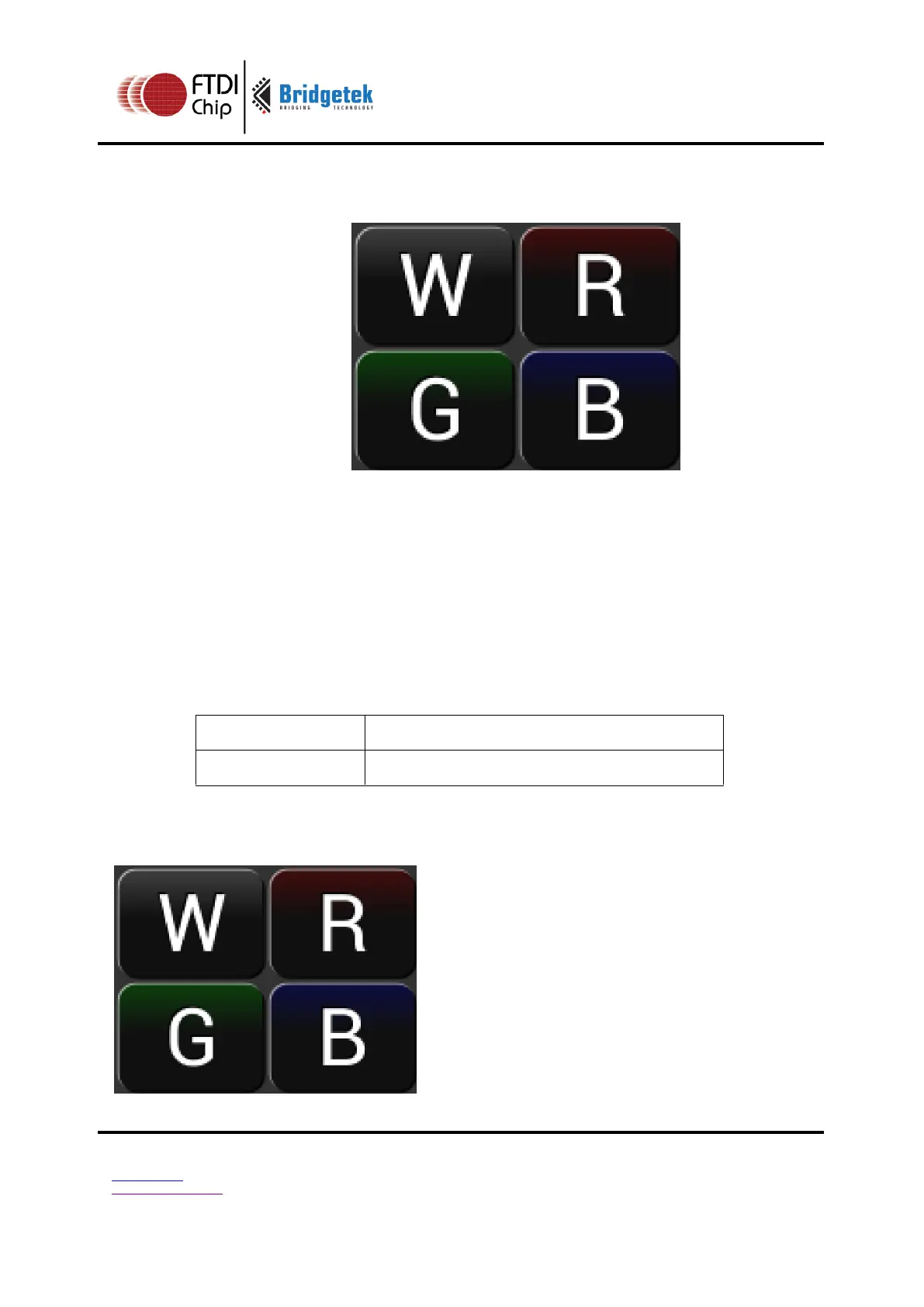
Changing the gradient color: white (the default), red, green and blue
cmd_fgcolor(0x101010);
cmd_button( 2, 2, 76, 56, 31, 0, "W");
cmd_gradcolor(0xff0000);
cmd_button( 82, 2, 76, 56, 31, 0, "R");
cmd_gradcolor(0x00ff00);
cmd_button( 2, 62, 76, 56, 31, 0, "G");
cmd_gradcolor(0x0000ff);
cmd_button( 82, 62, 76, 56, 31, 0, "B");



 To Next Page