FT800 Series Programmer Guide
Version 2.1
Document Reference No.: BRT_000030 Clearance No.: BRT#037
115
Product Page
Document Feedback Copyright © Bridgetek Limited
4.21 CLEAR_COLOR_RGB
Specify clear values for red, green and blue channels
Encoding
Parameters
red
Red value used when the color buffer is cleared. The initial value is 0
green
Green value used when the color buffer is cleared. The initial value is 0
blue
Blue value used when the color buffer is cleared. The initial value is 0
Description
Sets the color values used by a following CLEAR.
Examples
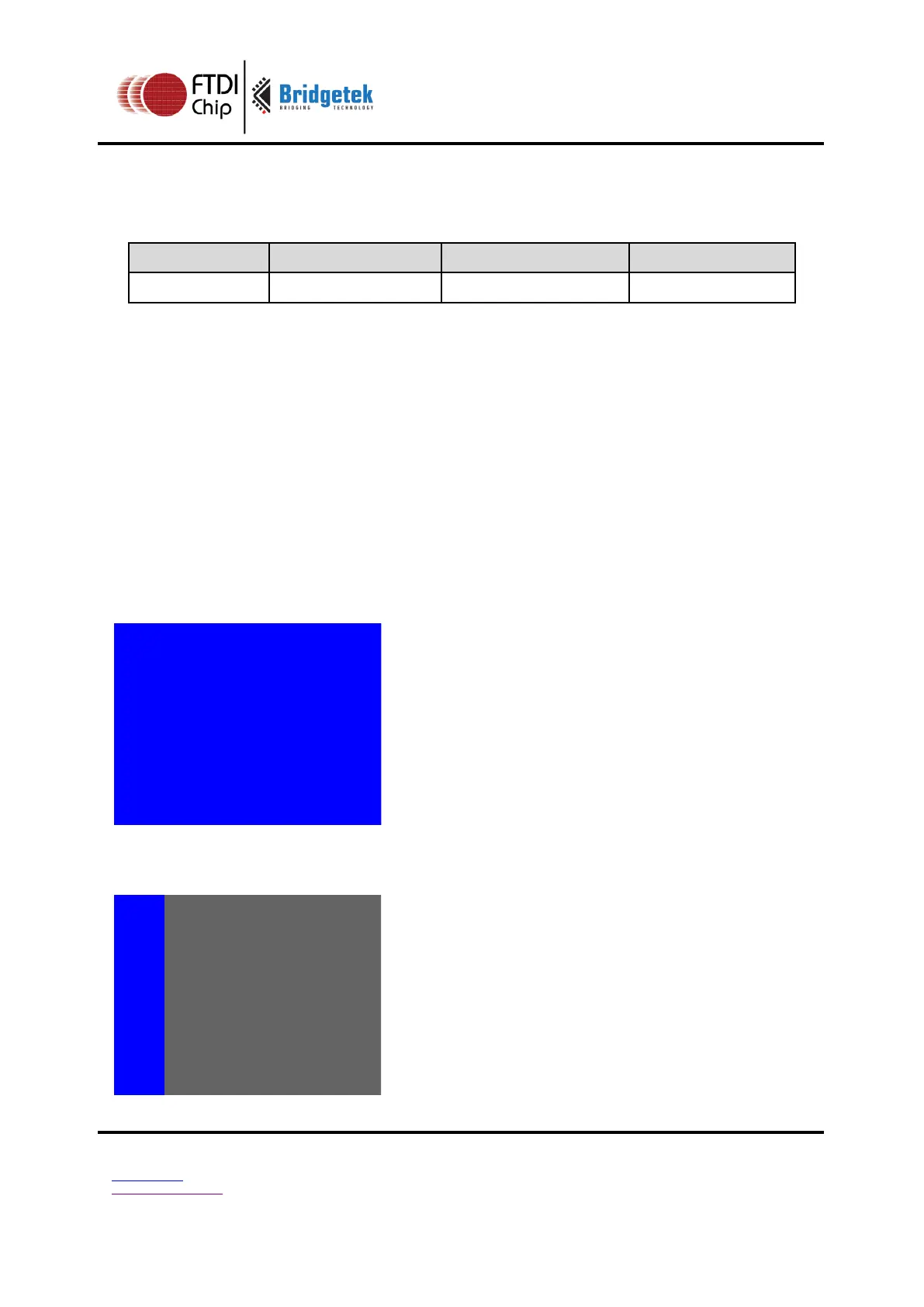
To clear the screen to bright blue:
dl( CLEAR_COLOR_RGB(0, 0, 255) );
dl( CLEAR(1, 1, 1) );
To clear part of the screen to gray, part to blue using scissor rectangles:
dl( CLEAR_COLOR_RGB(100, 100, 100) );
dl( CLEAR(1, 1, 1) );
dl( CLEAR_COLOR_RGB(0, 0, 255) );
dl( SCISSOR_SIZE(30, 120) );
dl( CLEAR(1, 1, 1) );



 To Next Page