FT800 Series Programmer Guide
Version 2.1
Document Reference No.: BRT_000030 Clearance No.: BRT#037
189
Product Page
Document Feedback Copyright © Bridgetek Limited
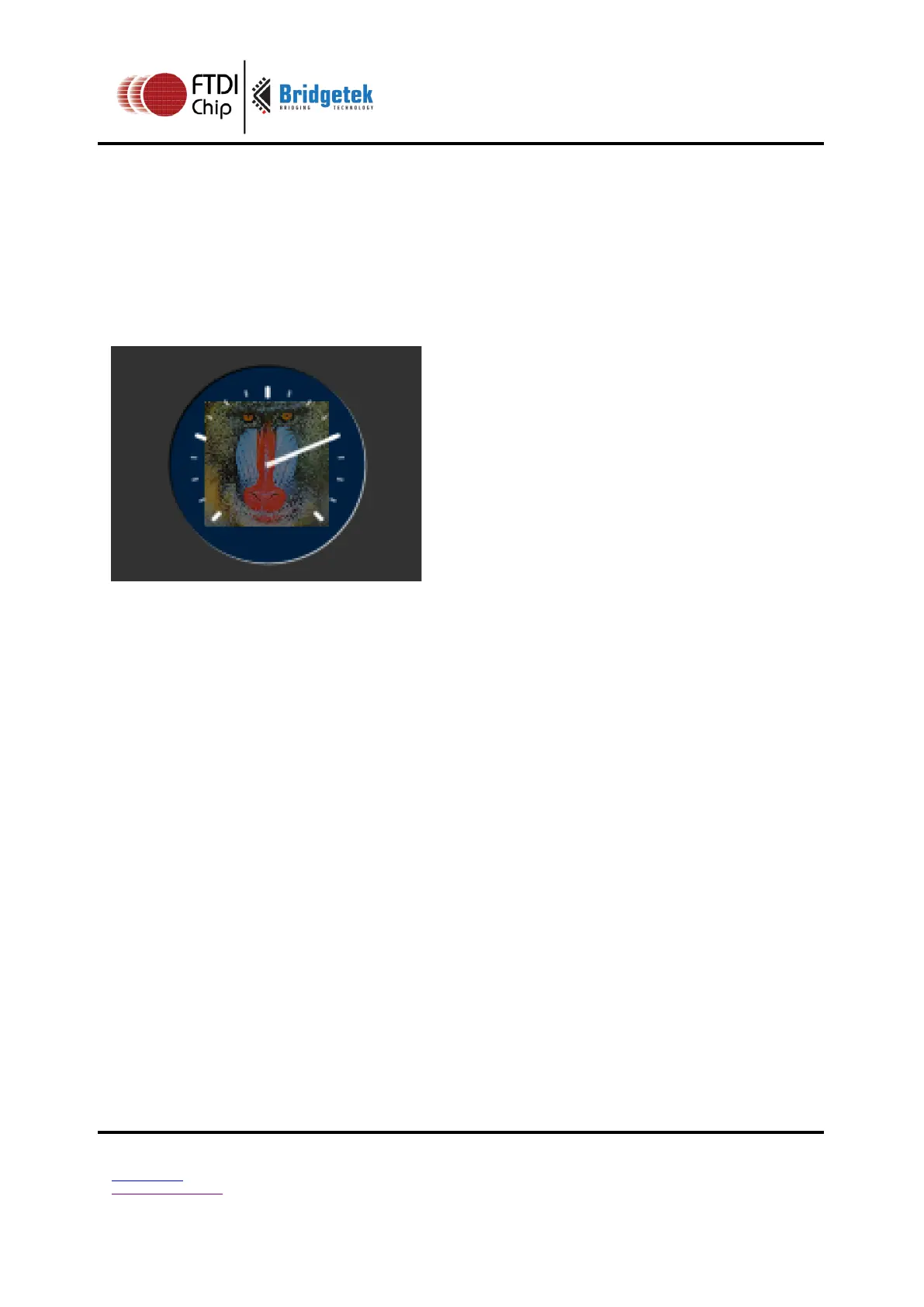
Add a custom graphic to the gauge by drawing its background, a bitmap, then its
foreground:
GAUGE_0 = OPT_NOPOINTER |
OPT_NOTICKS;
GAUGE_1 = OPT_NOBACK;
cmd_gauge(80, 60, 50, GAUGE_0, 4, 4,
49152, 65535);
cmd(COLOR_RGB(130, 130, 130));
cmd(BEGIN(BITMAPS));
cmd(VERTEX2II(80 - 32, 60 -32, 0, 0));
cmd(COLOR_RGB(255, 255, 255));
cmd_gauge(80, 60, 50, GAUGE_1, 4, 4,
49152, 65535);



 To Next Page