FT800 Series Programmer Guide
Version 2.1
Document Reference No.: BRT_000030 Clearance No.: BRT#037
200
Product Page
Document Feedback Copyright © Bridgetek Limited
Displayed value of progress bar, between 0 and range inclusive
range
Maximum value
Description
The details of physical dimensions are
x,y,w,h give outer dimensions of progress bar. Radius of bar (r) is
min(w,h)/2
Radius of inner progress line is r*(7/8)
Refer to Co-processor engine widgets physical dimensions for more information.
Command layout
Examples
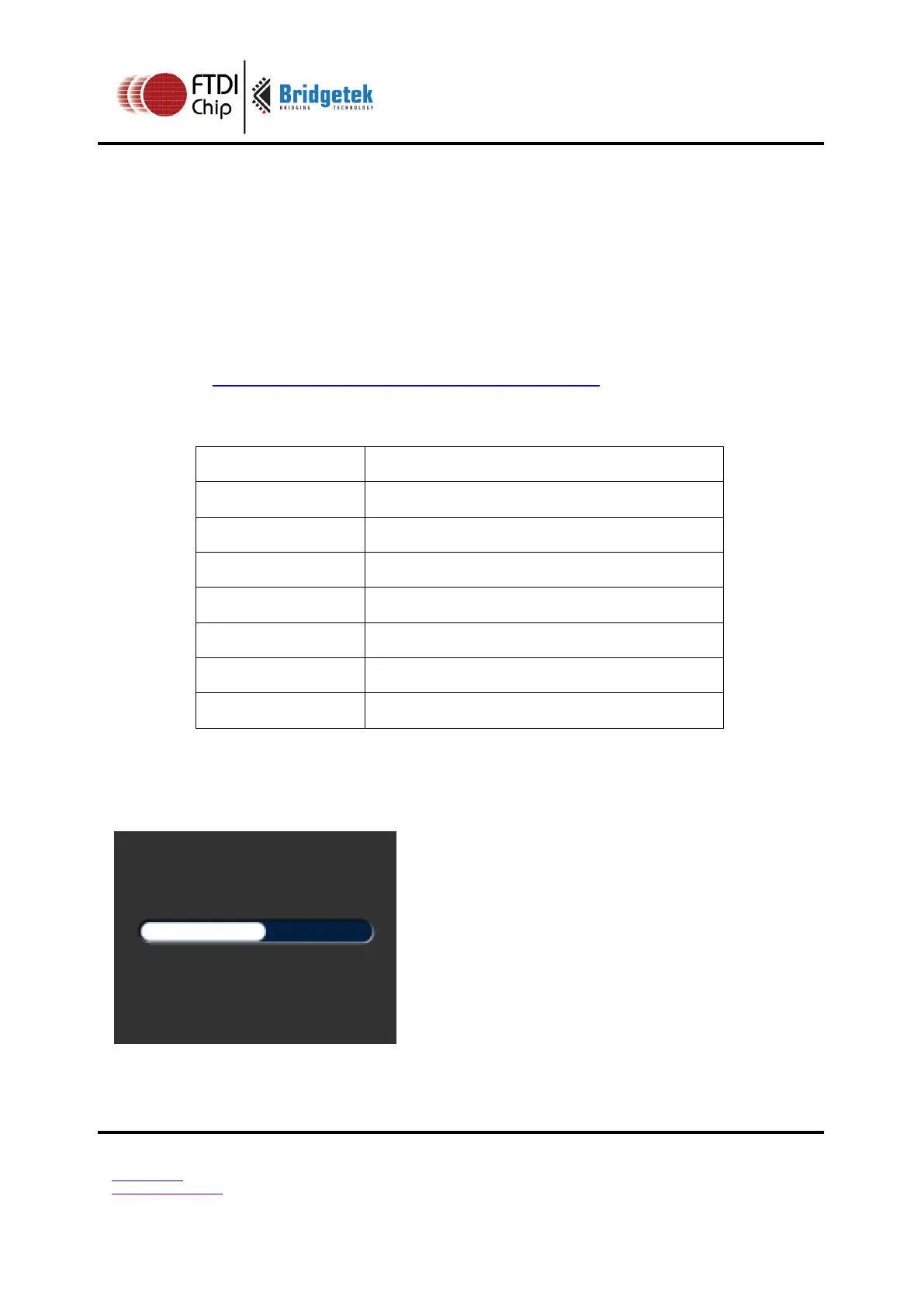
A progress bar showing 50% completion:
cmd_progress(20, 50, 120, 12, 0, 50,
100);



 To Next Page