FT800 Series Programmer Guide
Version 2.1
Document Reference No.: BRT_000030 Clearance No.: BRT#037
203
Product Page
Document Feedback Copyright © Bridgetek Limited
options
By default the scroll bar is drawn with a 3D effect and the value of options is
zero. Options OPT_FLAT removes the 3D effect and its value is 256
val
Displayed value of scroll bar, between 0 and range inclusive
range
Maximum value
Description
Refer to CMD_PROGRESS for more information on physical dimension.
Command layout
CMD_SCROLLBAR(0xffffff11)
Examples
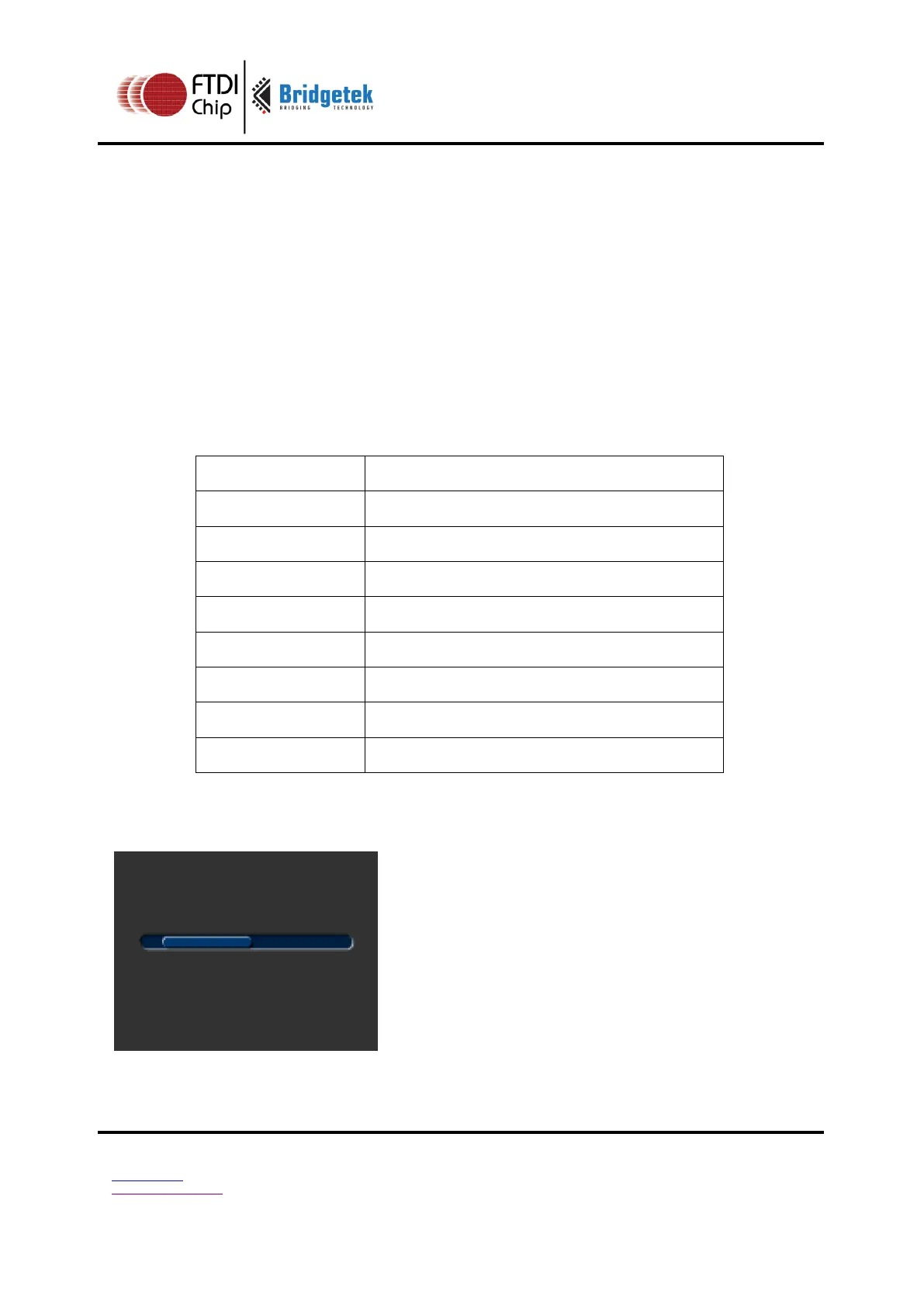
A scroll bar indicating 10-50%:
cmd_scrollbar(20, 50, 120, 8, 0, 10, 40,
100);



 To Next Page