FT800 Series Programmer Guide
Version 2.1
Document Reference No.: BRT_000030 Clearance No.: BRT#037
212
Product Page
Document Feedback Copyright © Bridgetek Limited
By default the toggle is drawn with a 3D effect and the value of options is
zero. Options OPT_FLAT removes the 3D effect and its value is 256
state
state of the toggle: 0 is off, 65535 is on.
S
String label for toggle. A character value of 255 (in C it can be written as \xff)
separates the two labels.
Description
The details of physical dimension are
Outer bar radius (r ) is font height*(10/16) pixel
Knob radius is (r-1.5) pixels, where r is the outer radius above
The center of the outer bar 's left round head is at (x, y + r/2) coordinate
Refer to Co-processor engine widgets physical dimensions for more information.
Command layout
Examples
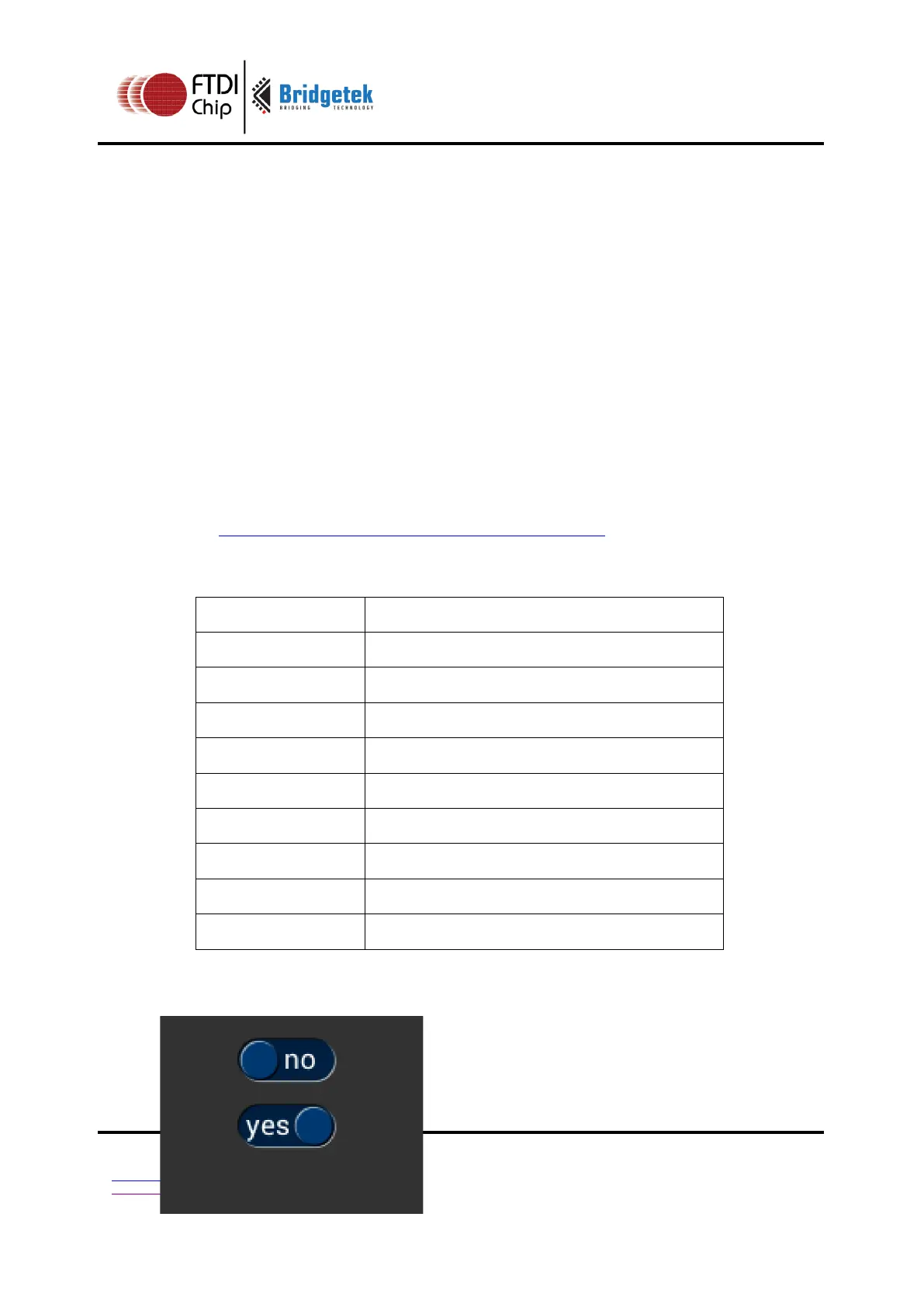
Using a medium font, in the two states



 To Next Page