Refresh Button: Click to manually refresh the page.
NOTE: Hover the mouse cursor over the top of each port and the current
state will display.
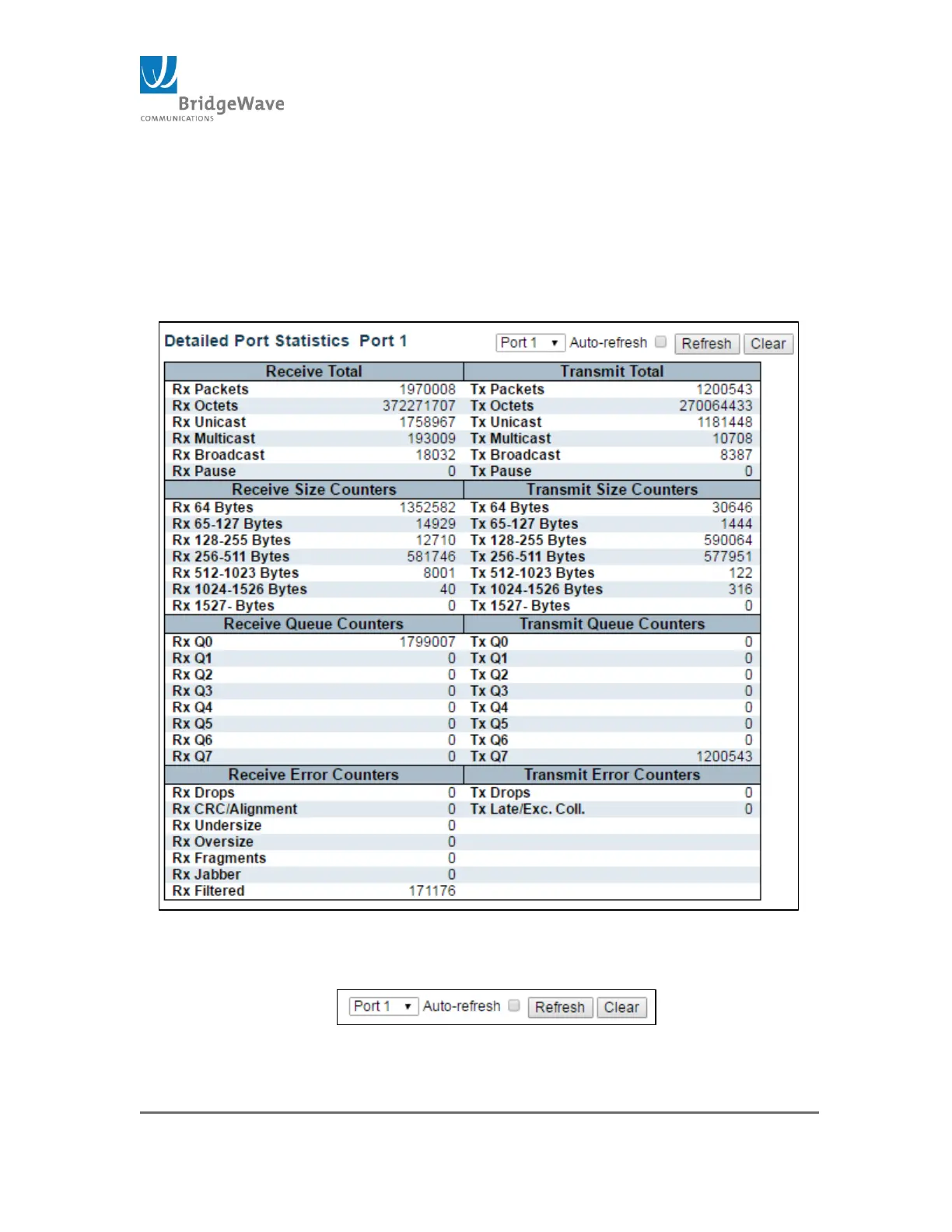
Click on a port: Clicking on a port will open the Detailed Port Statistics
page for that port. Figure for example counters:
Figure 48: Example of Detailed Port Statistics
Utility Buttons:
Figure 49: Utility Buttons



 To Next Page