VISIT BAOFENGTECH.COM AND MIKLOR.COM FOR DOWNLOADS AND HELP
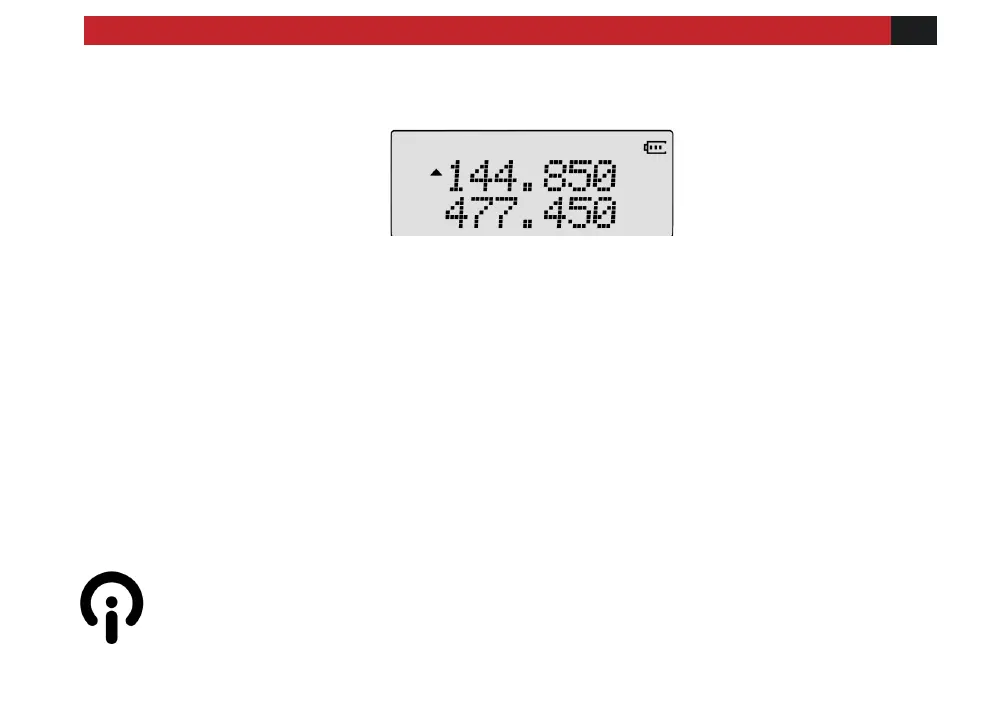
Figure 3.1. First power-on, display (frequency mode shown)
You can get additional information about your radio by holding down miscellaneous keys
as you turn it on.
Turning the unit off
Turn the volume/power knob counter-clockwise until you hear a "click". The unit is now off.
Adjusting the volume
To turn up the volume, turn the volume/power knob clockwise.
To turn the volume down, turn the volume/power knob counter-clockwise. Be careful not to
turn it too far, as you may inadvertently turn your radio off.
By using the monitor function, enabled from the Side key [M]; you can more easily adjust
your volume by adjusting it to the un-squelched static.



 To Next Page