VISIT BAOFENGTECH.COM AND MIKLOR.COM FOR DOWNLOADS AND HELP
Procedure 10.3. Setting the Push-to-Talk Button Preference
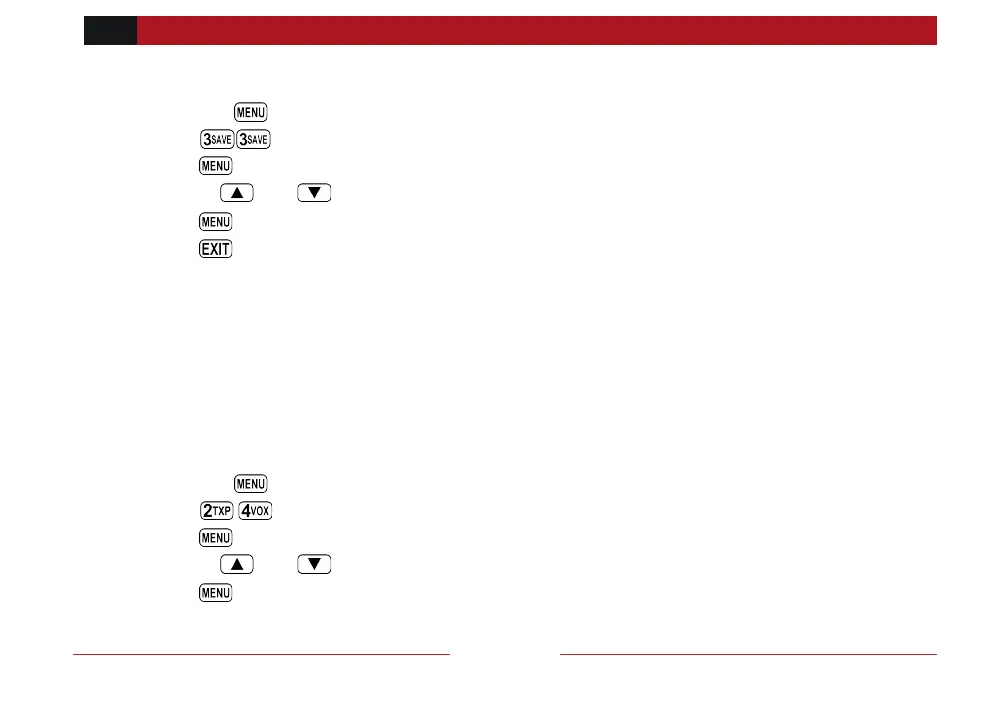
1. Press the key to enter the menu.
2. Enter on your numeric keypad to come to the PTT configuration option.
3. Press key to select.
4. Use the and keys to pick the PTT configuration
5. Press to confirm and save.
6. Press to exit the menu.
Display Sync
Display Synchronization
The GMRS-V2 allows the upper and lower display to be synched so that you can see two
simultaneous items on one channel (Frequency Value and Name) by scrolling through the
channels the displays will remain synched together when this is activated.
Procedure 10.4. Setting the Display Synchronization Preference
1. Press the key to enter the menu.
2. Enter on your numeric keypad to come to the Sync configuration option.
3. Press key to select.
4. Use the and keys to enable or disable the display sync
5. Press to confirm and save.



 To Next Page