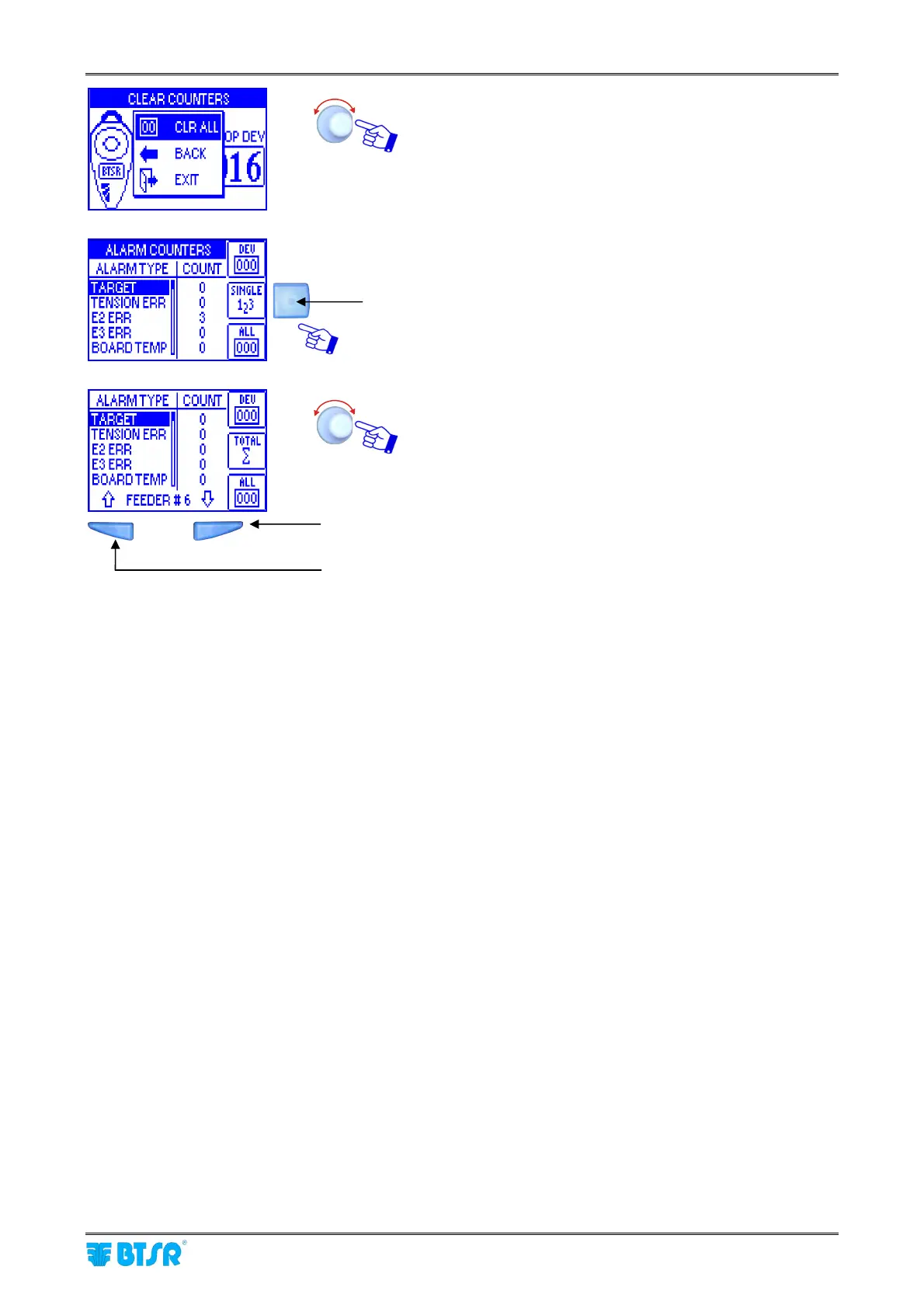
Alarm Counter Display
SMART MATRIX FEEDER 2-50
CLR ALL to clear the selected counter range,
BACK to return to previous screen without clearing the
counters.
EXIT to return to Alarm Counters screen without
clearing the counters.
Press this button to switch from global alarm visualization to
individual ULTRAFEEDER device alarm visualization.
To select the desired device (FEEDER#n)
To scroll-down the alarm list (Ø)
To scroll-up the alarm list (×)



 To Next Page