Operation
- 3.10 - SMART WARP
Preliminary operations for using the SMART WARP Terminal
!
Just after installation and before using the system, check that all the
connectors are plugged-in properly.
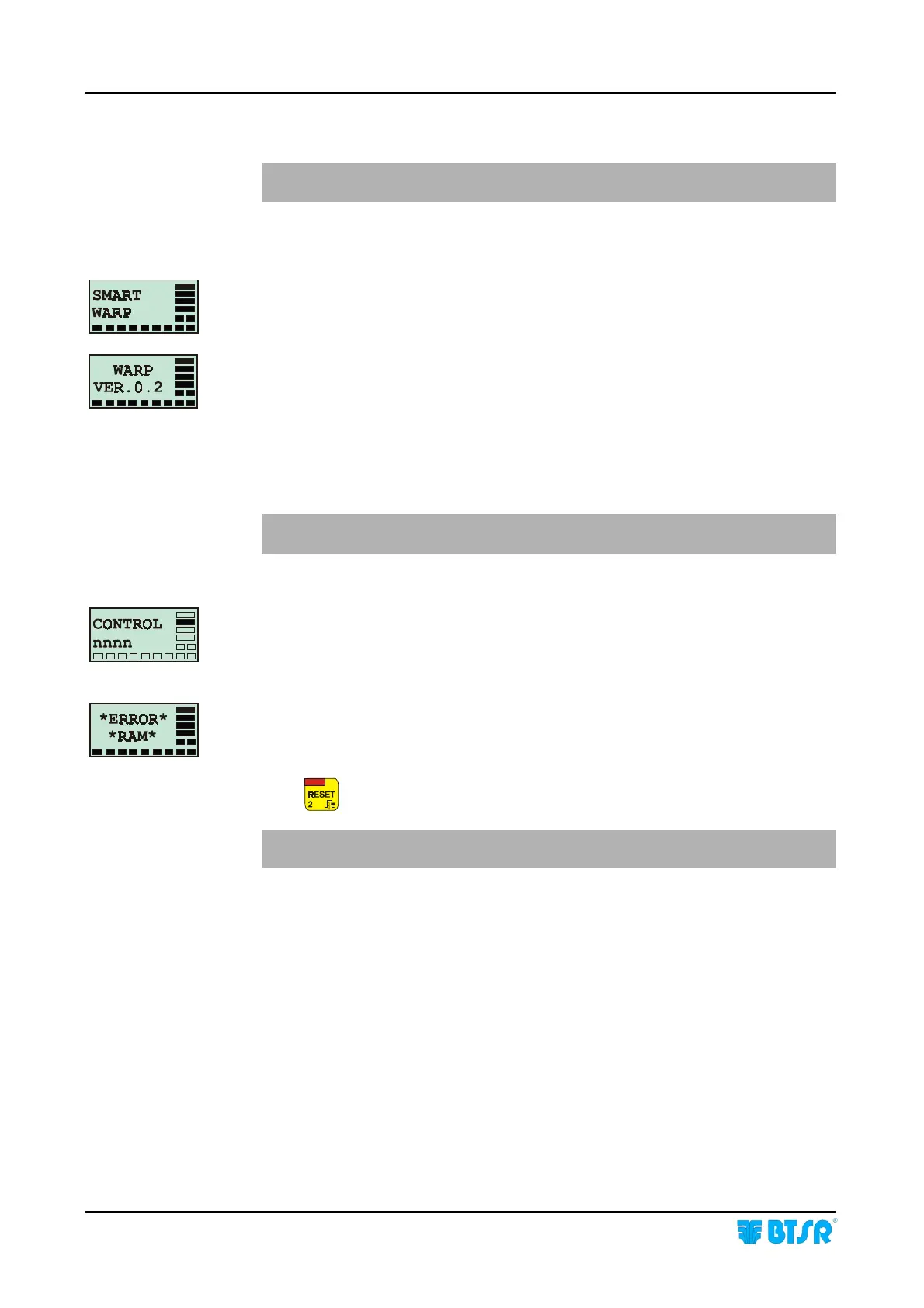
Power On the system and check that the graphic display shows sequentially, for a
few seconds, the two screens shown on the left side of this page:
(Type of SMART system)
(Installed software version)
During this phase all the red Leds embedded inside the 5 buttons of SMART
WARP terminal and all the red Leds of the SM-DIN Interface Modules must turn
On.
! If the display does not light-up, then refer to “Troubleshooting”
paragraph.
If the CONTROL message appears, it means that the system correctly started the
production control phase. (All the red Leds inside the buttons of SMART WARP
terminal, as well as the Leds of SM-DIN Interface Modules turn off, except the
CONTROL Leds).
If the ERROR RAM message appears on the screen, it means that the self-
diagnosis performed at power on has detected an error in the memory of the
SMART terminal.
Press
to continue.
! The system will erase all settings entered by the user and will reload the
default values!!
If the error persists, please refer to chapter 4 “Troubleshooting”.
System
start up











 To Next Page