Operation
- 3.14 - SMART WARP
DEVICE - Sensors Numbering
SETUP
$
$$
$
CONFIG
$
$$
$
DEVICE
This function allows you to perform the automatic numbering of the sensors
connected to each SM-DIN module. At the end of this function, the system will be
able to univocally identify, with a progressive number (1 to 100) each of the
sensors connected to each reference SM-DIN module.
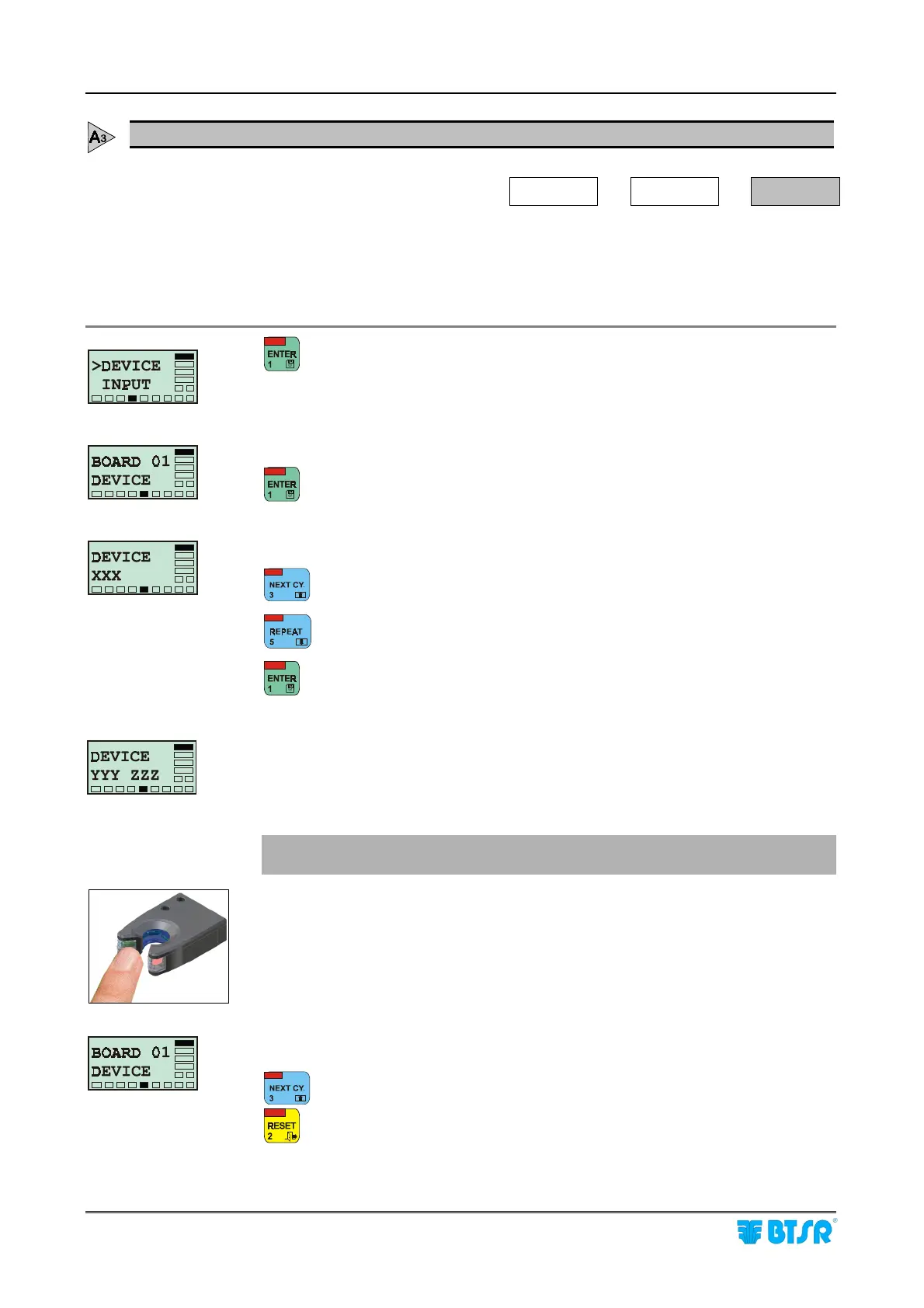
to activate the function.
Numbering of sensors connected to SM-DIN module 01.
to start the numbering procedure.
XXX indicates the number of sensors to be numbered.
to increase the XXX value.
to decrease the XXX value.
to confirm the set value.
ZZZ indicates the total number of sensors to be numbered (same as XXX on previous
step).
YYY shows the number of the first sensor (and subsequently the next one) to be
numbered.
! Check that the sensor being numbered has the green LED FLASHING,
which indicates "Sensor ready to be numbered".
With a finger skim the “Touch Light” area of the sensor to which you wish to
assign the number shown by YYY and check that:
a) The sensor LED changes from FLASHING green to red.
b) The number YYY is increased by 1 unit.
Once all the sensors have a unique number assigned, the BOARD 01 DEVICE
message re-appears.
to start the numbering of sensors connected to SM-DIN module 02.
to return to the CONFIG menu once all the sensors connected to all SM-DIN
modules have been numbered.











 To Next Page