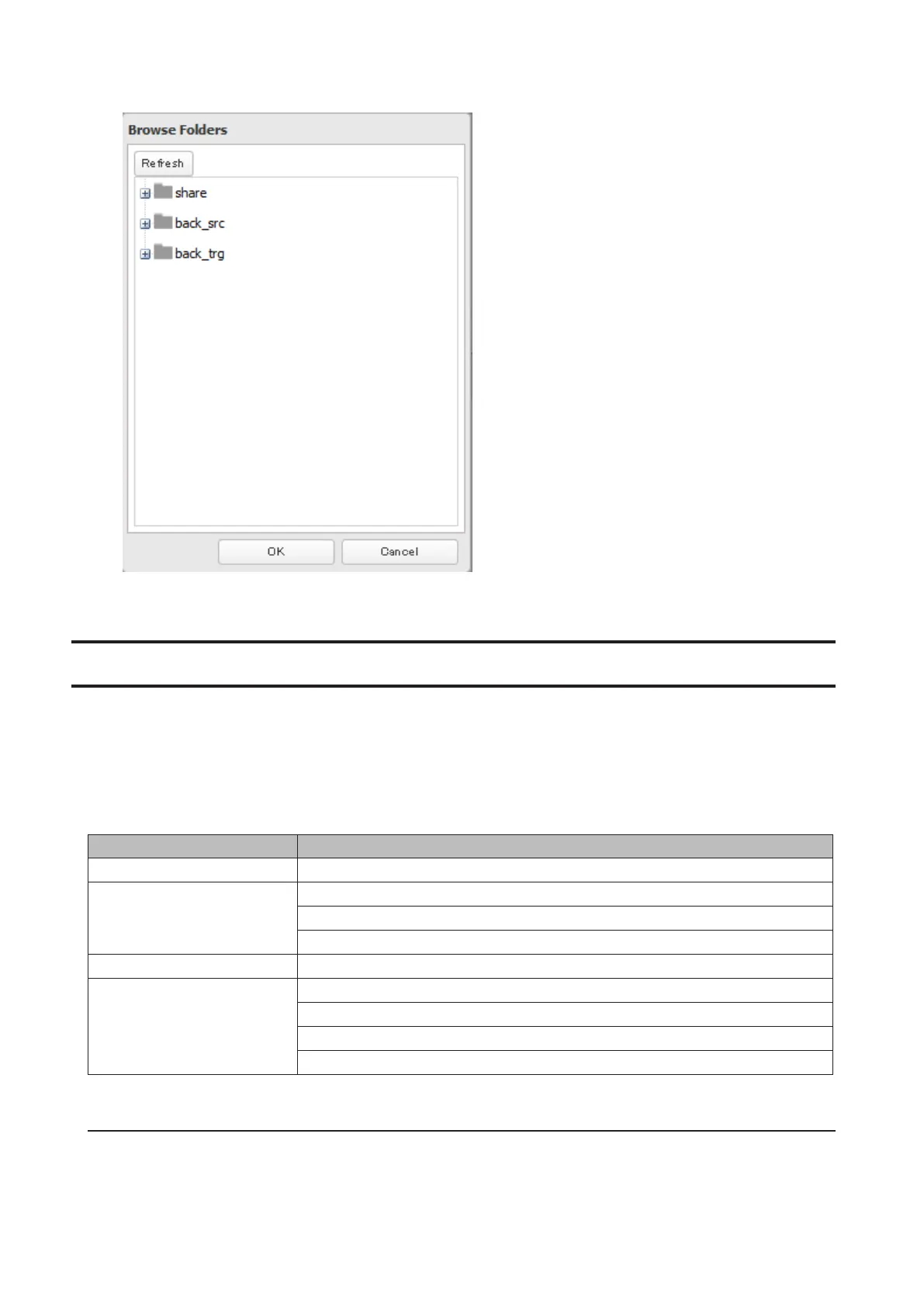
6 Choose a shared folder for the MySQL server, then click OK.
7 Choose an external port, then click OK.
Saving and Applying Settings
The TeraStation's settings can be saved to a USB drive and restored to another TeraStation. Use this function to back
up and copy settings to a new TeraStation.
Make a note of the hard drive configuration (number of hard drives, RAID, etc.) of the TeraStation where the settings
were saved. Make sure that any TeraStation that you apply these settings to has exactly the same hard drive
configuration before you apply the settings. If the drive configuration is different, you may get unexpected results.
The following settings are not saved or restored:
Category Settings
File Sharing Shared folder information in USB drive
Drives
All settings in "Drives"
All settings except for scan speed in "RAID" - "Options" - "RAID Array Settings"
USB drive information
Network All settings except for Ethernet frame size in "IP Address"
Management
The TeraStation's hostname
All settings in "UPS Sync"
All settings in "SSL"
Display language in Settings
Saving Settings
1 Connect a 1 GB or larger USB drive (not included) into a USB 2.0 port on the TeraStation.
Note: All data on the USB drive will be erased.
99



 To Next Page