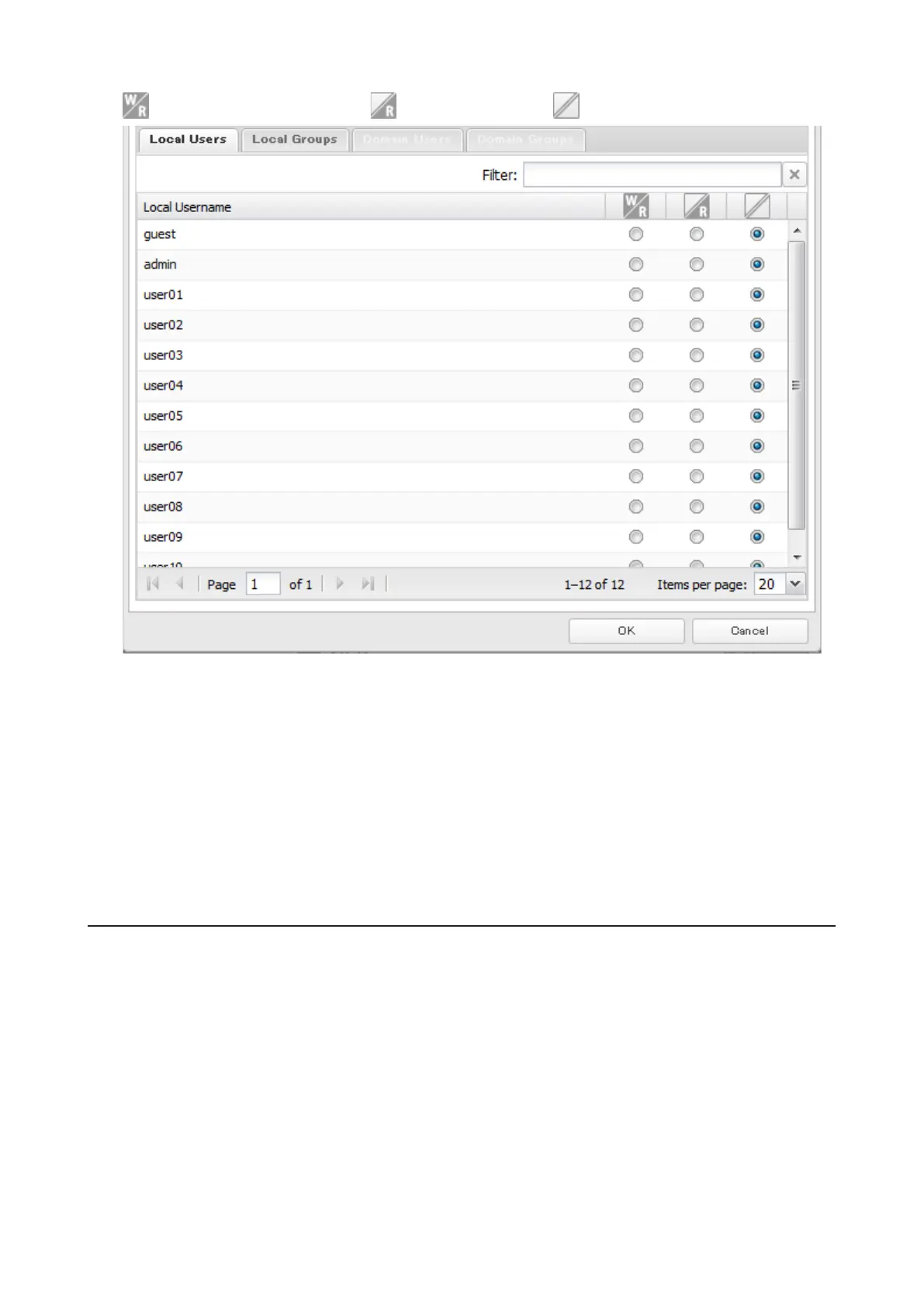
: Read and write access allowed : Read access allowed : Access prohibited
7 Click OK.
Notes:
• The example above shows access restriction by user. To restrict access by group, click the Local Groups tab and
select group permissions.
• If both read-only and read and write permissions are given to a user, the user will have read-only access. The most
restrictive access always applies.
• For an access-restricted shared folder, if you change the access restrictions of all users and groups from read and
write or read only to access prohibited from the user or group list page in Settings, that shared folder can only be
accessed by admin users.
Active Directory
If there is an Active Directory environment, the TeraStation will use account information from the Active Directory
domain controller to set access restrictions for TeraStation's shared folders. There is no need to perform individual
account management for the TeraStation. If multiple TeraStations are installed on the network, the account
information is centrally managed in Active Directory, greatly reducing the operations required for installation and
management.
Notes:
• If usernames or group names from Active Directory include multi-byte characters, you will not be able to
configure access restrictions for them.
• The TeraStation supports a domain environment with a maximum of 1000 users and 1000 groups.
27



 To Next Page