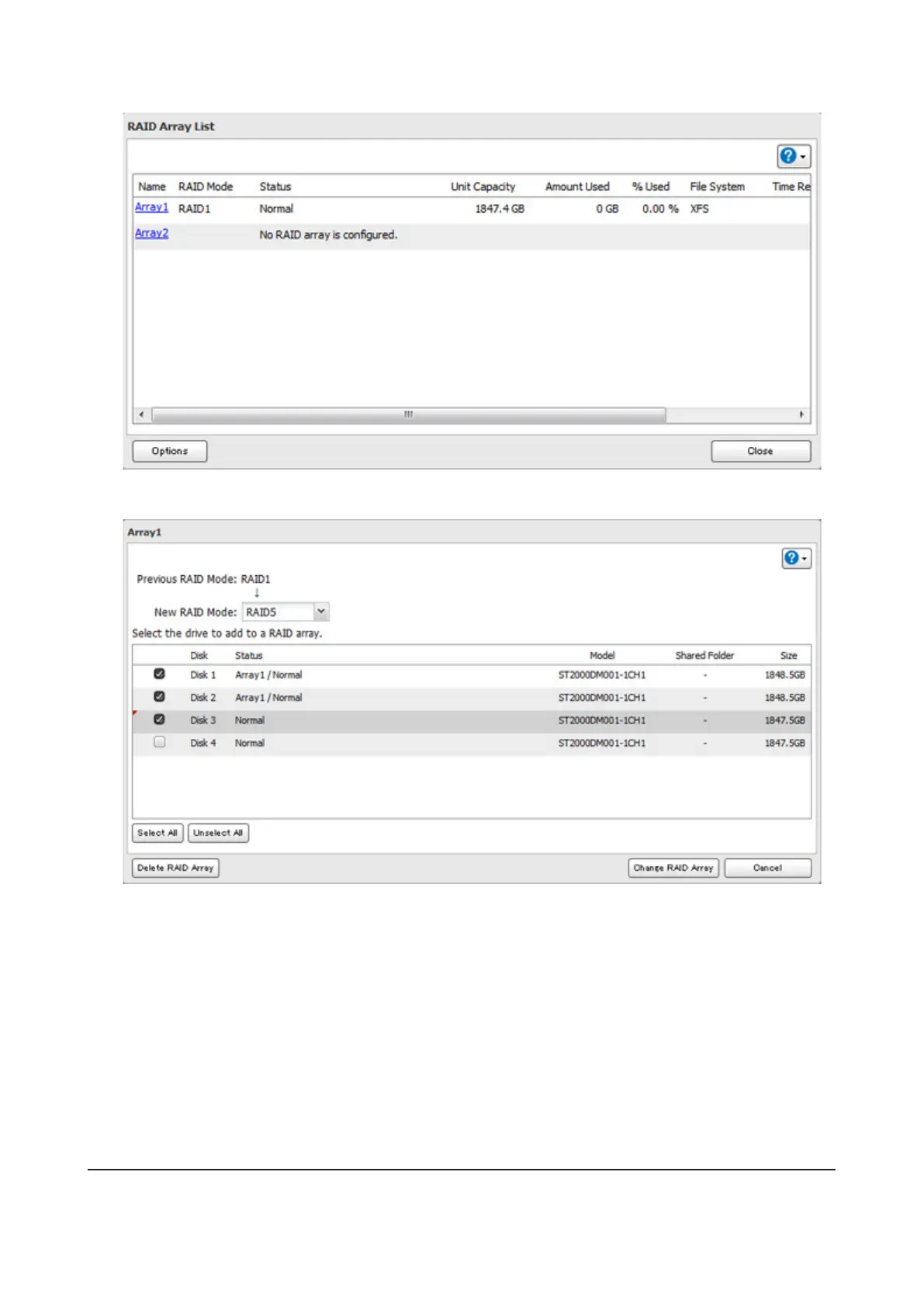
3 Choose a RAID array.
4 Select the drive to add to the RAID array.
5 Click Create RAID Array.
6 The "Confirm Operation" screen will open. Enter the confirmation number, then click OK.
7 Click OK when finished.
Changing the RAID Mode While Adding a Drive (For TS1400D and TS1400R Models)
Select the drive you want to add to the RAID array and choose the mode for the array. Enter the "Confirm Operation"
number and click OK.
RAID Scanning
A RAID scan checks your RAID array for bad sectors and if it finds any it automatically repairs them. Arrays other than
RAID 0 are supported. For best results, run a RAID scan regularly.
39



 To Next Page