Chapter 8 Advanced Features
Email Notification
Your TeraStation can send you email reports daily, or when settings are changed or an error occurs. Notification
emails may be triggered by any of the following events:
• Scheduled hard drive status notification (includes quota exceeded notification)
• Backup job completed
• RAID error
• Fan error
• Hard drive read error
• Hard drive replacement
• RAID configuration change
• System bootup/shutdown
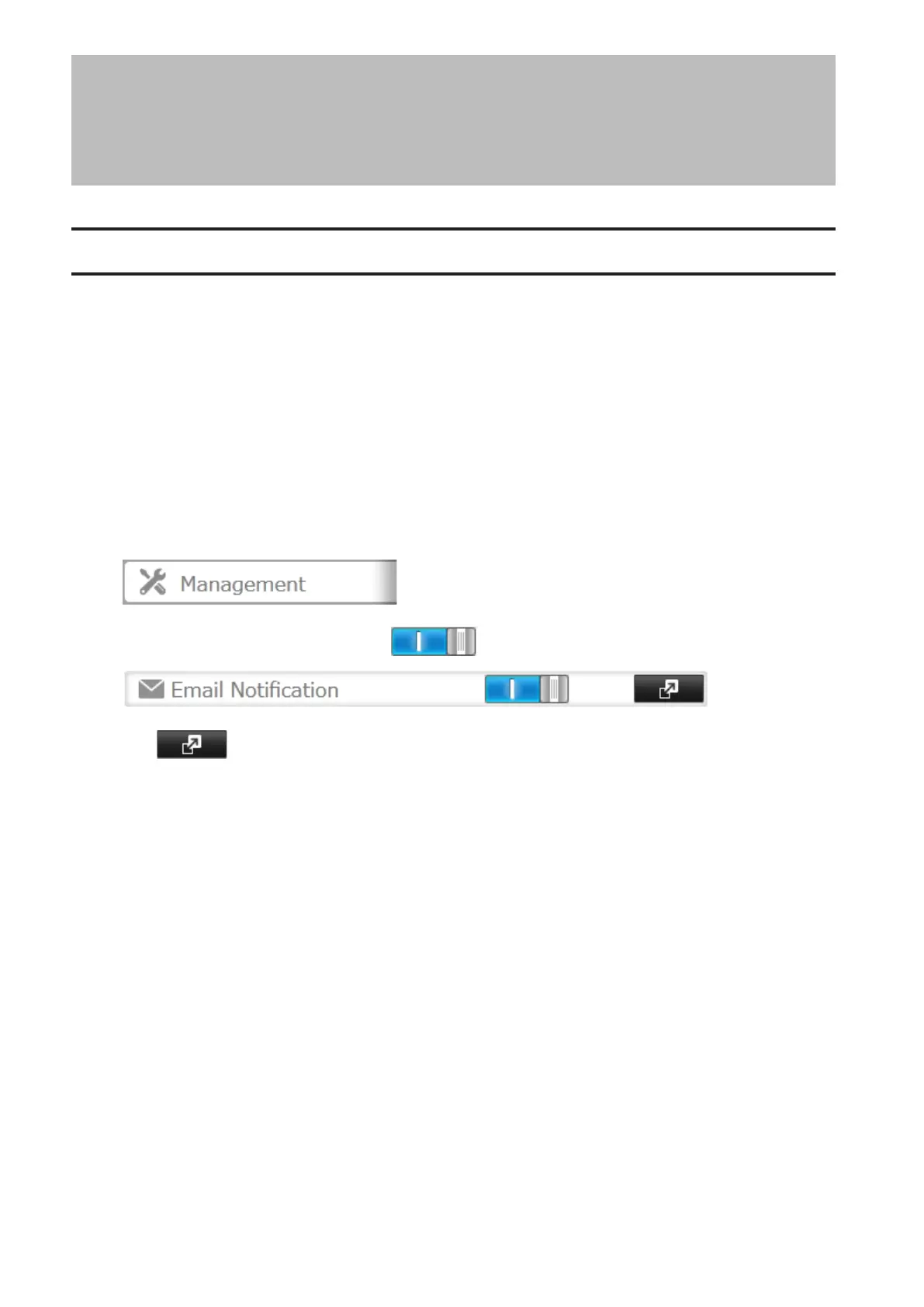
1 In Settings, click Management.
2 Move the email notification switch to the position to enable email notification.
3 Click to the right of "Email Notification".
4 Click Edit.
86



 To Next Page