On days other than Wednesday, normal operation begins at 9:00 a.m. and the unit goes into sleep mode at 6:00
p.m. On Wednesday, normal operation begins at 10:00 a.m. and the unit goes into sleep mode at 1:00 a.m. of the
next day.
Example 4:
If running at a current time of 10:00 a.m. Wednesday
Timer 1: Daily 9:00–18:00
Timer 2: Wednesday 7:30–22:00
Timer 3: Not used
On days other than Wednesday, normal operation begins at 9:00 a.m. and the unit goes into sleep mode at 6:00
p.m. On Wednesday, normal operation begins at 7:30 a.m. and the unit goes into sleep mode at 10:00 p.m.
• To wake the TeraStation from sleep mode manually, press the power button.
UPS (Uninterruptible Power Supply)
If a UPS (sold separately) is attached, the TeraStation can be automatically shut down to protect data in the event of
a power outage.
1 Plug the power cable of the UPS to a wall socket.
2 Connect the AC cable of the TeraStation to the UPS.
3 Connect the UPS and TeraStation using a USB cable.
4 Turn on the UPS, then the TeraStation.
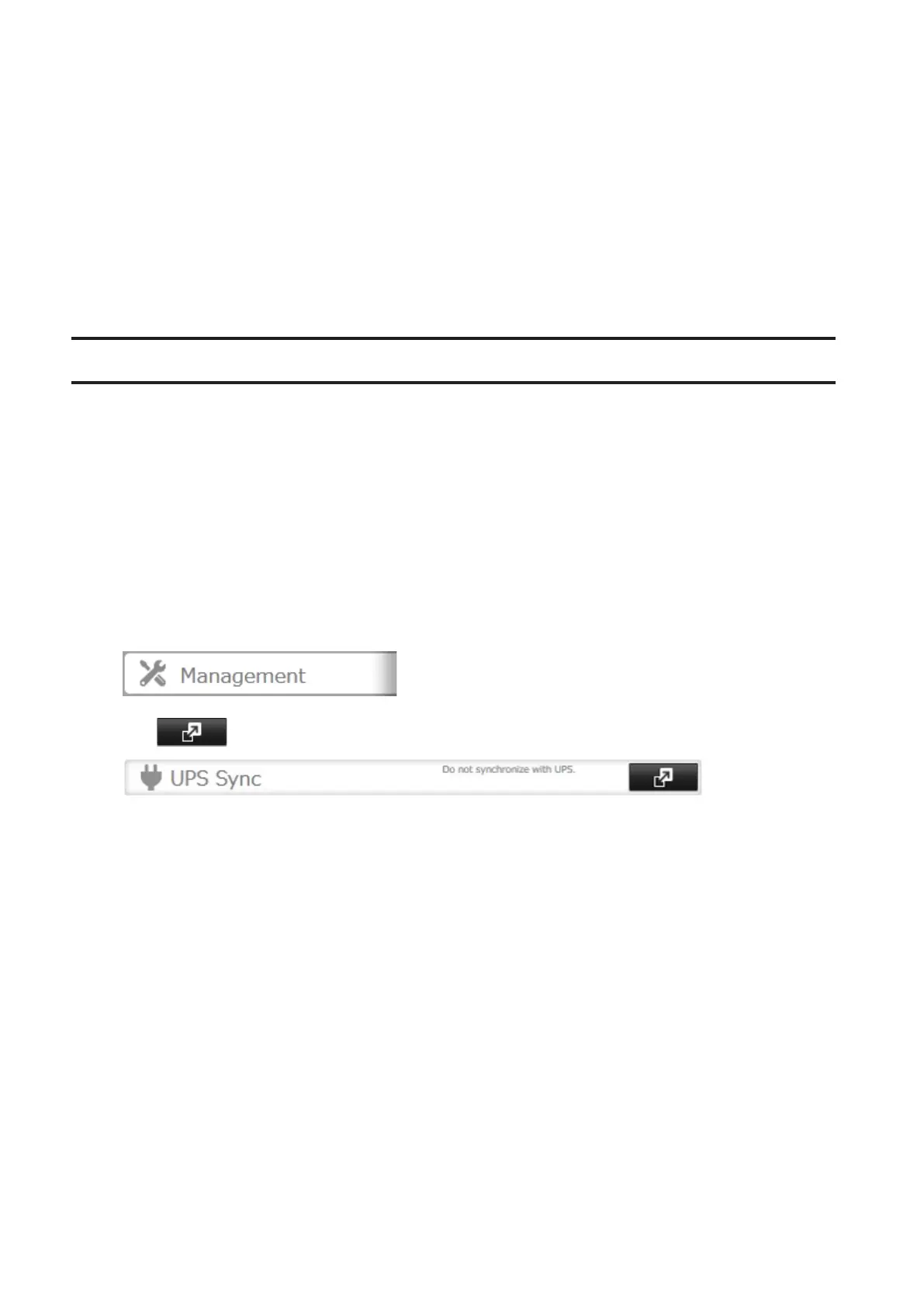
5 In Settings, click Management.
6 Click to the right of "UPS Sync".
7 Click Edit.
89



 To Next Page