Chapter 10 Appendix
When the LED Blinks Red
Power or Error LED
If there is an error, the power LED on TS1200D and TS1400D models, or the error LED on TS1400R models will
blink. For TS1200D models, the following blink patterns will give the error code. You can also see any errors in NAS
Navigator2.
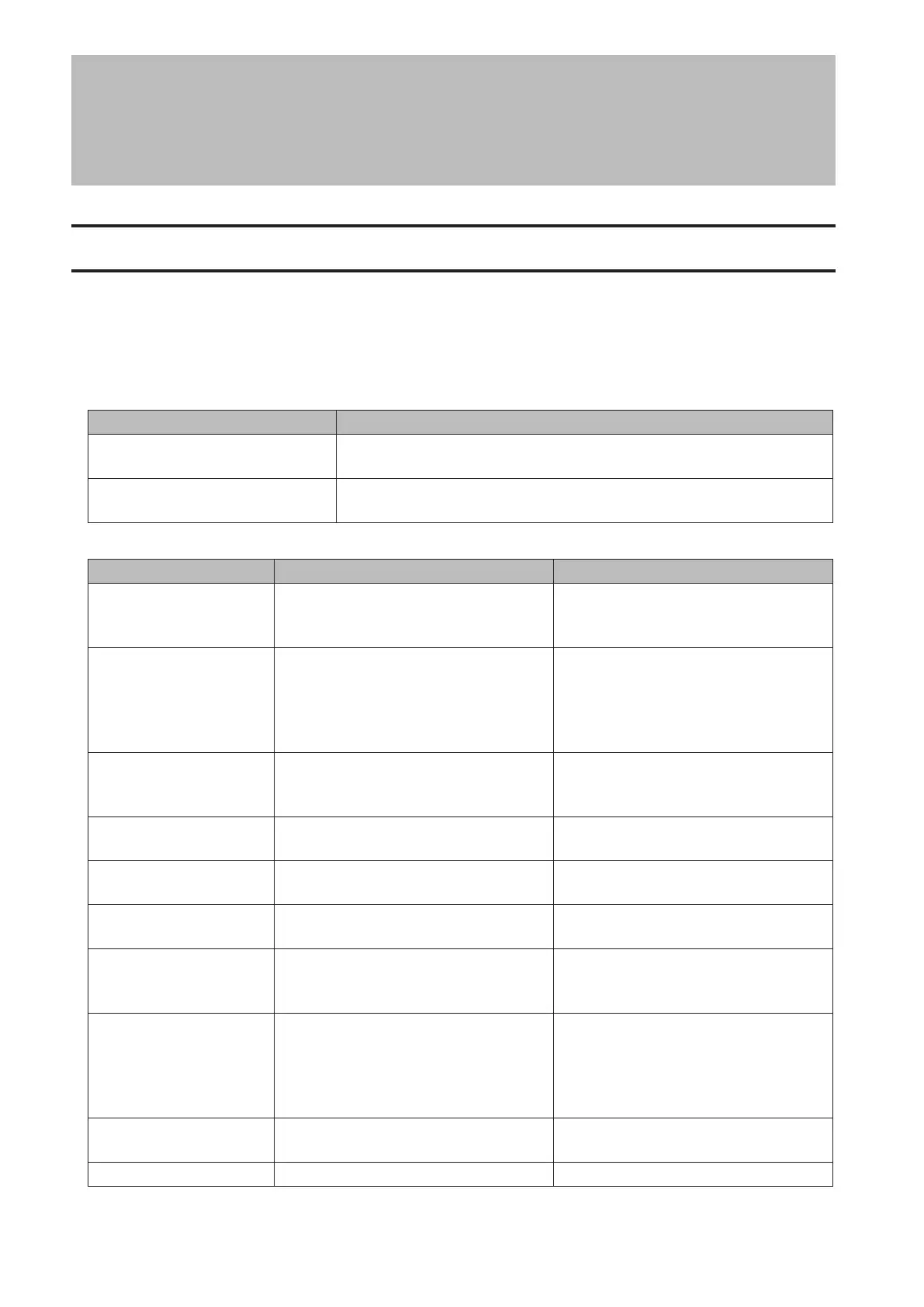
Place of Error Code Status
10s Place of Error Code
The LED flashes for 1.0 second every 0.3 seconds. This gives the tens place
of the error code.
1s Place of Error Code
The LED flashes for 0.5 seconds every 0.3 seconds. This gives the ones
place of the error code.
Error Code Description Corrective Action
E10
The TeraStation is running on the UPS
battery due to a power outage. The
system will now be shut down safely.
Check that power is being supplied to
the UPS, and if there are no problems,
turn on the TeraStation.
E11 An error occurred in the fan speed.
Check the fan. Use compressed air or
tweezers to remove any dust or foreign
objects. Confirm that the fan is spinning
normally. If it is not, contact Buffalo
technical support for assistance.
E12 The system is overheating.
Do not place objects in the area
around the TeraStation. Also, move the
TeraStation to a cool location.
E13
An error occurred in the RAID array. The
TeraStation is in degraded mode.
Replace the defective drive. Reboot the
TeraStation and rebuild the RAID array.
E14 RAID array cannot be mounted.
Run the RAID array disk check in
Settings.
E15
The bad sectors have reached a
dangerous level.
Replace the defective drive.
E16 Unable to find hard drive.
Hard drive may be disconnected or may
have failed. Shut down the TeraStation
and reinstall the hard drive.
E22 Mounting of hard drive failed.
Format the hard drive. After formatting,
if the error still appears after rebooting,
replace the hard drive. If the error
is displayed again, contact Buffalo
technical support for assistance.
E23
An error occurred, so the hard drive was
removed from the RAID array.
Replace the faulty drive.
E30 A hard drive error occurred. Replace the faulty drive.
119



 To Next Page