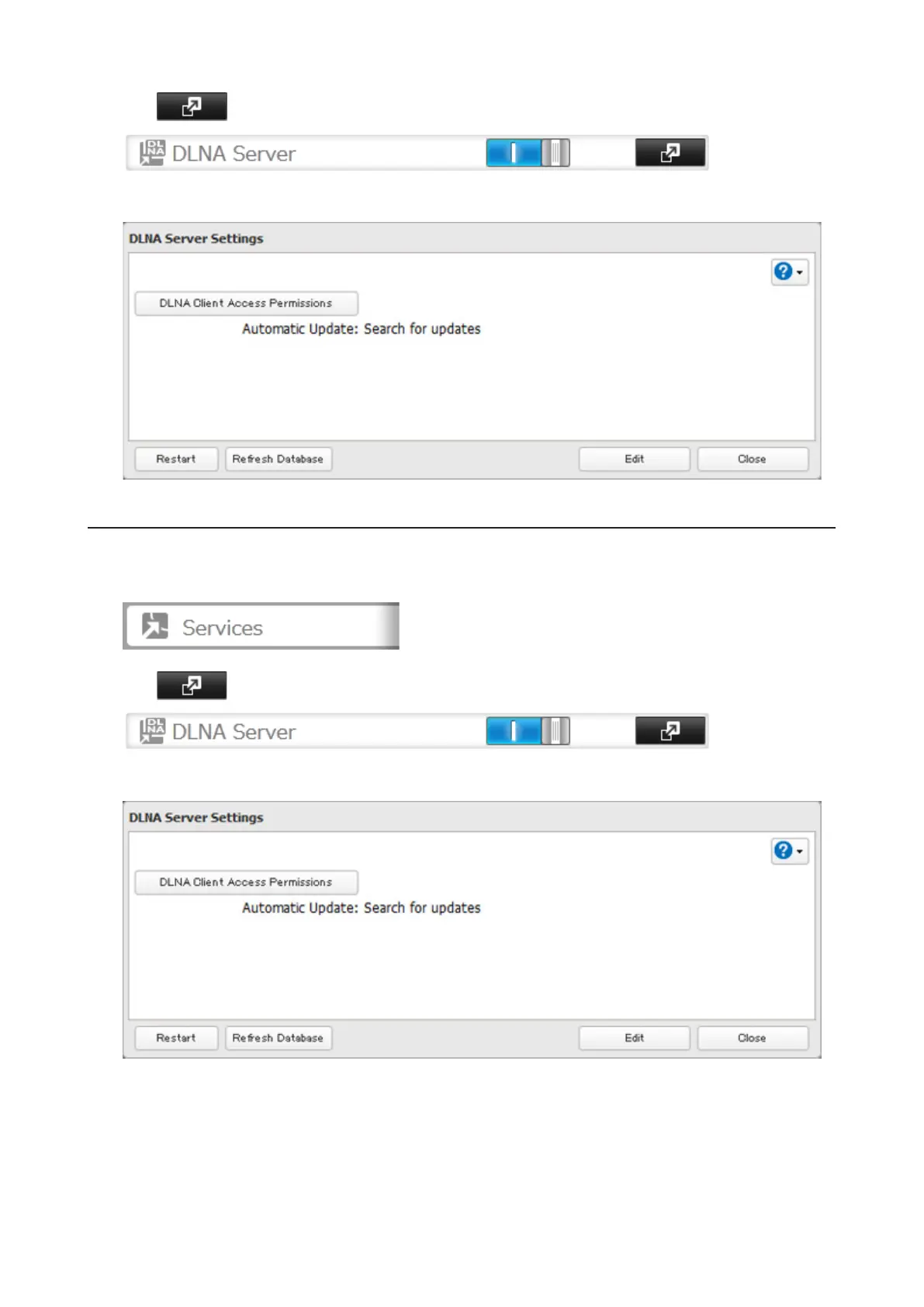
2 Click to the right of "DLNA Server", then click Edit.
3 You may change the update interval, or select Refresh Database to update the database immediately.
Disabling Playback from Specific Devices
You may block specific DLNA devices from playing back media content.
1 In Settings, click Services.
2 Click to the right of "DLNA Server".
3 Click DLNA Client Access Permissions.
80



 To Next Page