3 Choose the folder to set as a replication destination.
4 Click the Advanced Settings tab.
5 Under "LAN Protocol Support", select the "Backup" checkbox and click OK.
Note: Do not configure a backup password for the shared folders. Folder with a backup password set cannot be
selected as replication destinations.
Configuring a Replication Task
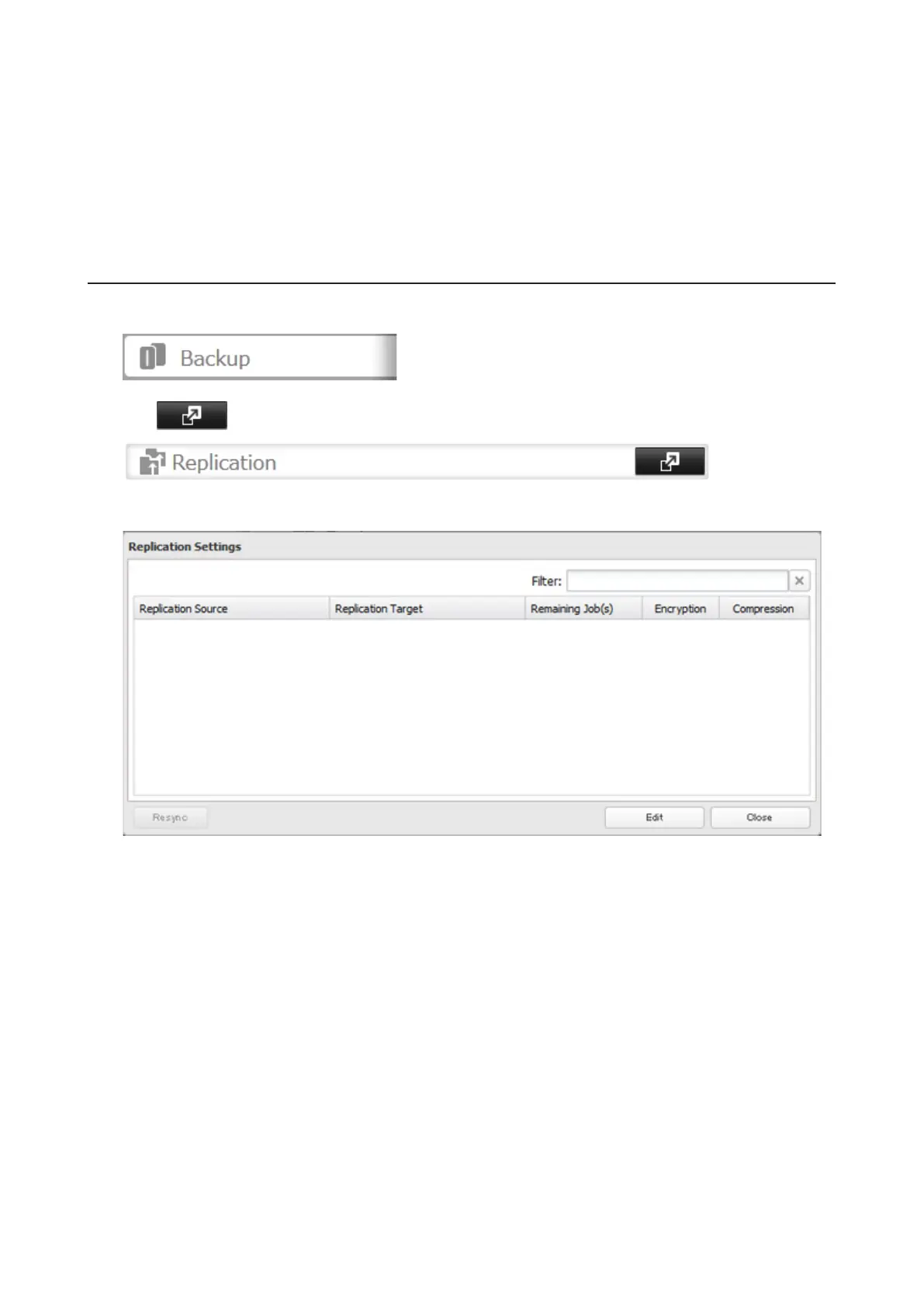
1 In Settings, click Backup.
2 Click to the right of "Replication".
3 Click Edit.
68



 To Next Page