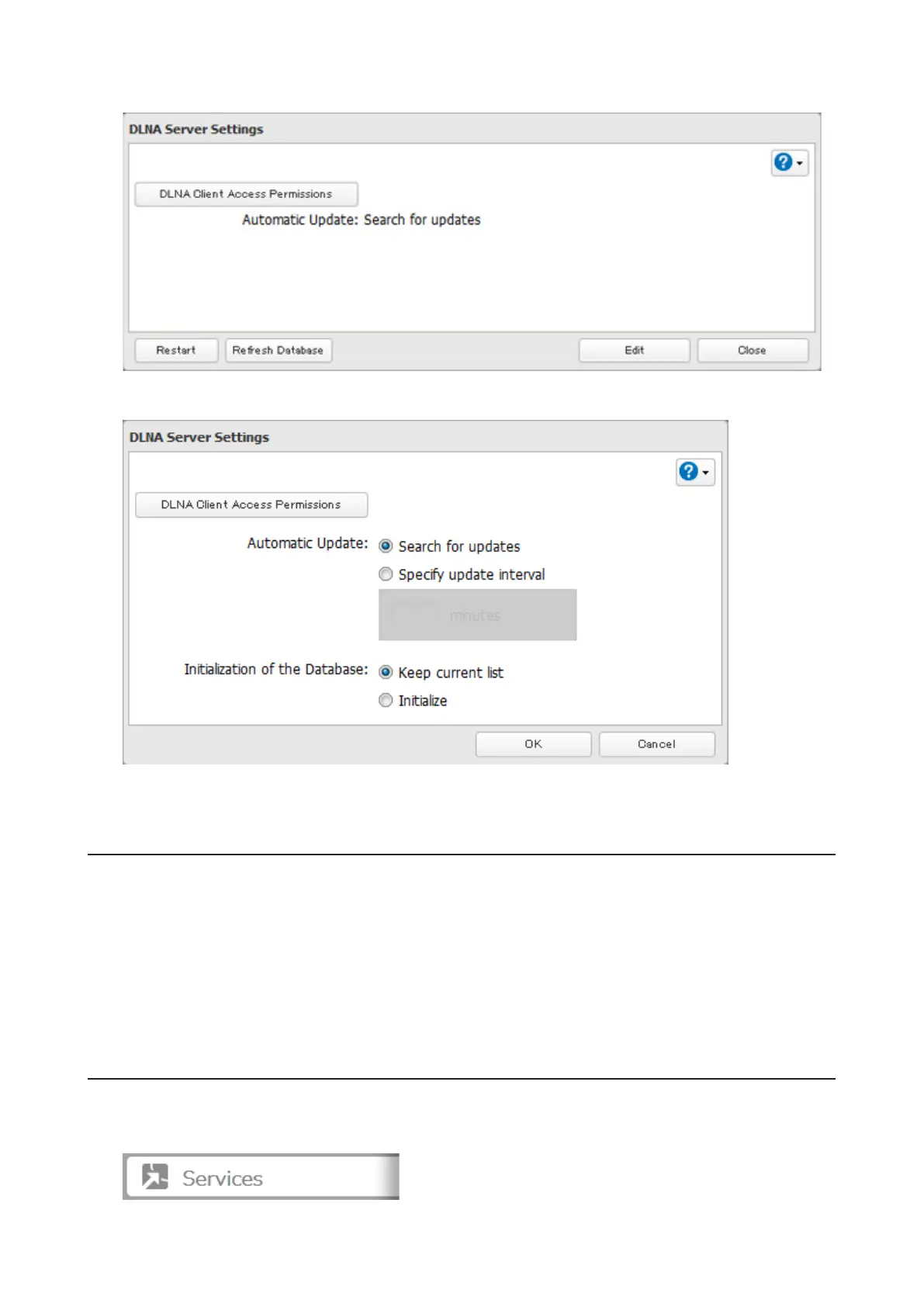
10 Click Edit.
11 Select an interval for DLNA server database updates and click OK.
12 Click OK.
Playing Files
To play back content from a DLNA-compatible device:
1 Connect the DLNA-compatible device to the same network as the TeraStation and turn it on.
2 Select the TeraStation in the software of the DLNA-compatible device.
3 Select the content to be played back.
Note: For more information on playing files, see the DLNA-compatible devices' manuals.
Connected DLNA-compatible Devices
Follow the procedure below to view the DLNA-compatible devices connected to your TeraStation.
1 In Settings, click Services.
78



 To Next Page