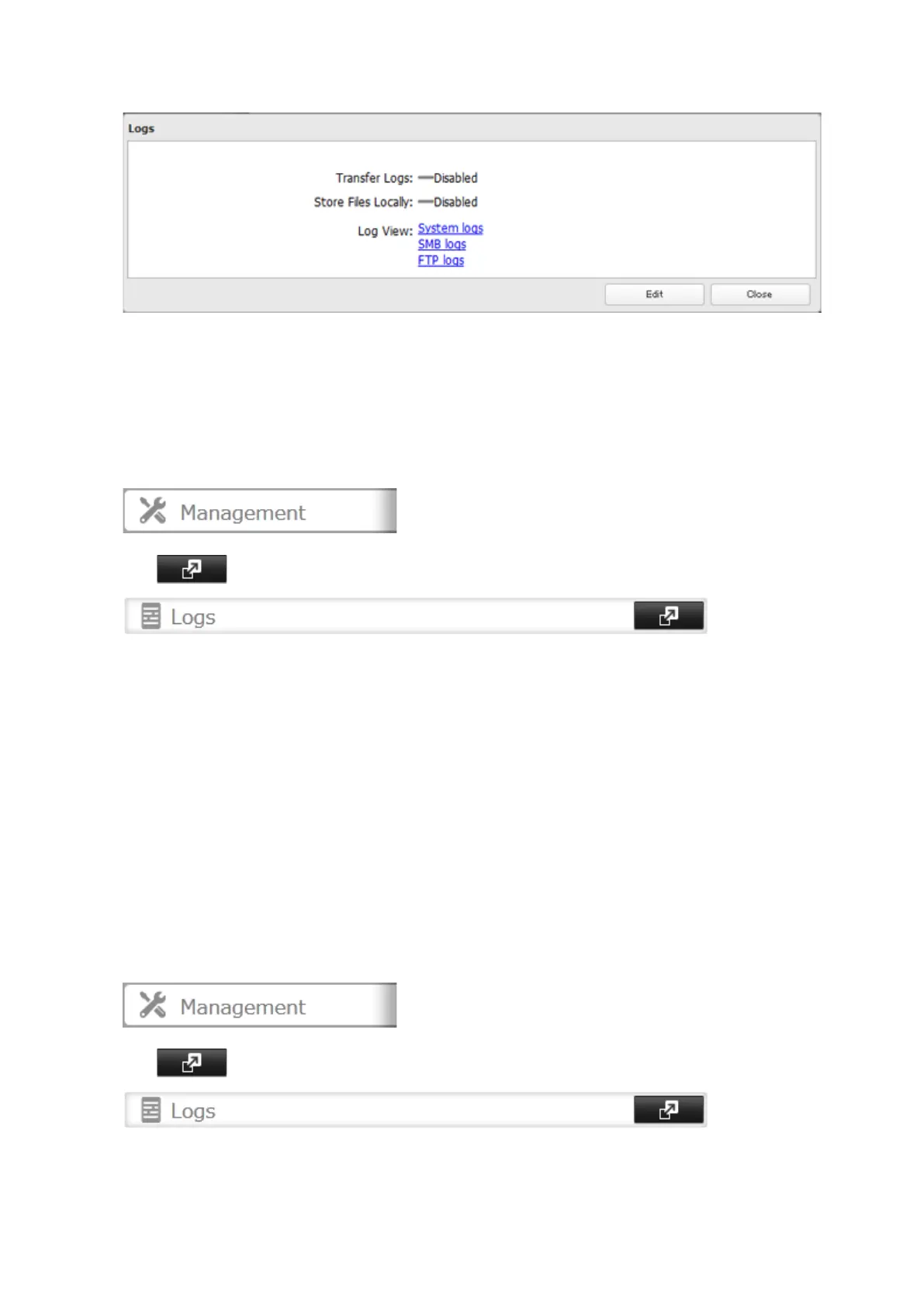
3 Select a log to view.
The file operation log stores file operations performed on the internal hard drives. File operations on USB
drives are not logged.
Note: All logs are encoded in UTF-8 format. To show them correctly, change the software encoding to "UTF-8".
Transferring Logs to the Syslog Server
1 In Settings, click Management.
2 Click to the right of "Logs".
3 Click Edit.
4 Enable "Syslog Transfer".
5 Enter the IP address of the syslog server where you want to transfer the logs to.
6 Select the type of log that you want to transfer from "Logs to Transfer".
7 Click OK.
Note: FTP logs cannot be written to a syslog server.
Creating a Link to the Logs in the Shared Folder
1 In Settings, click Management.
2 Click to the right of "Logs".
3 Click Edit.
4 Enable "Share Link to Logs".
103



 To Next Page