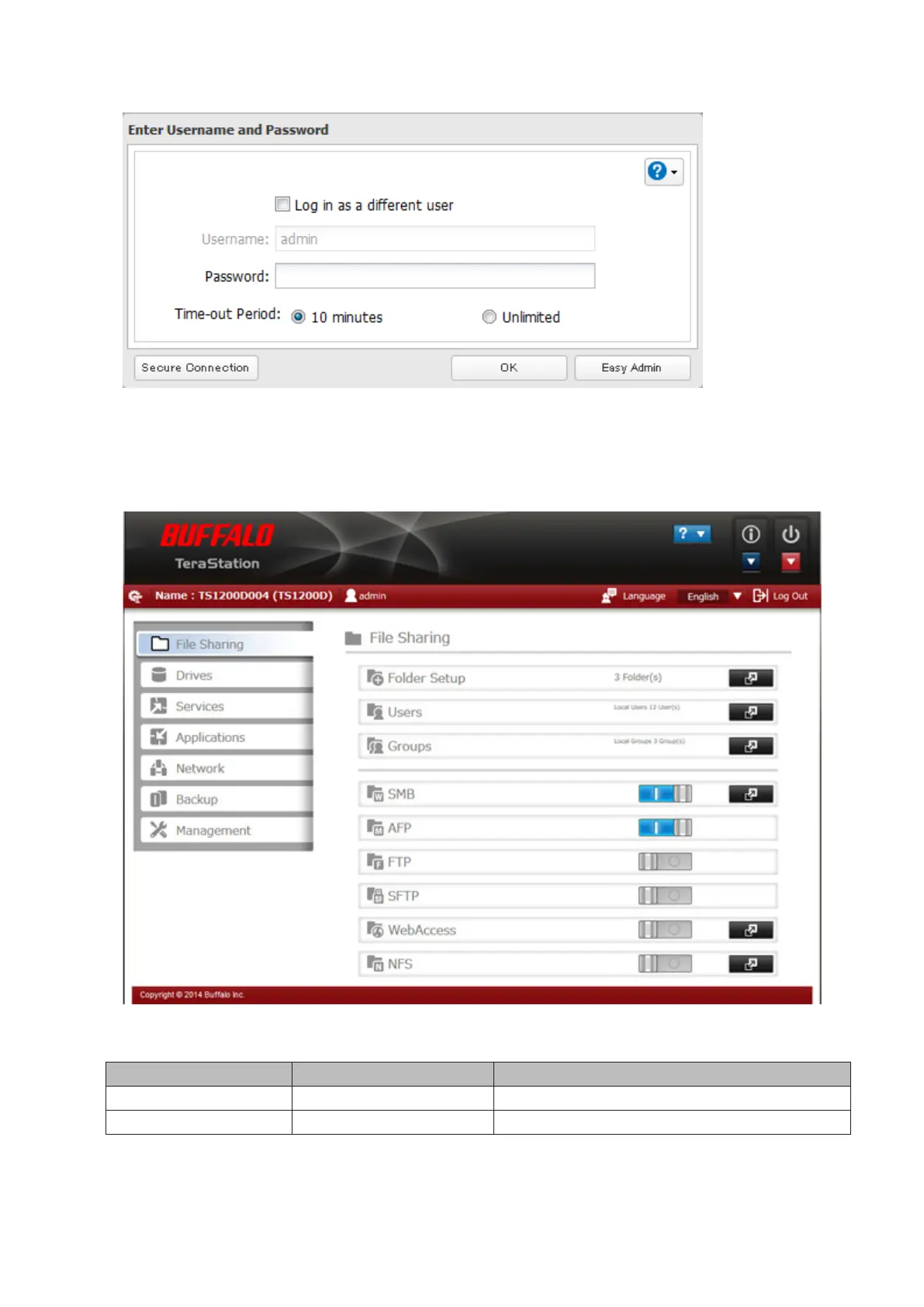
3 Enter the username and password and click OK.
Notes:
• If the time-out period is set to "10 minutes", you will be logged out of Settings after 10 minutes of inactivity.
• Click Secure Connection to log in with an encrypted connection.
4 Settings will open.
Notes:
• Username/Password Combinations:
Username Password Settings Available
admin password All
guest blank System information (read-only)
12



 To Next Page