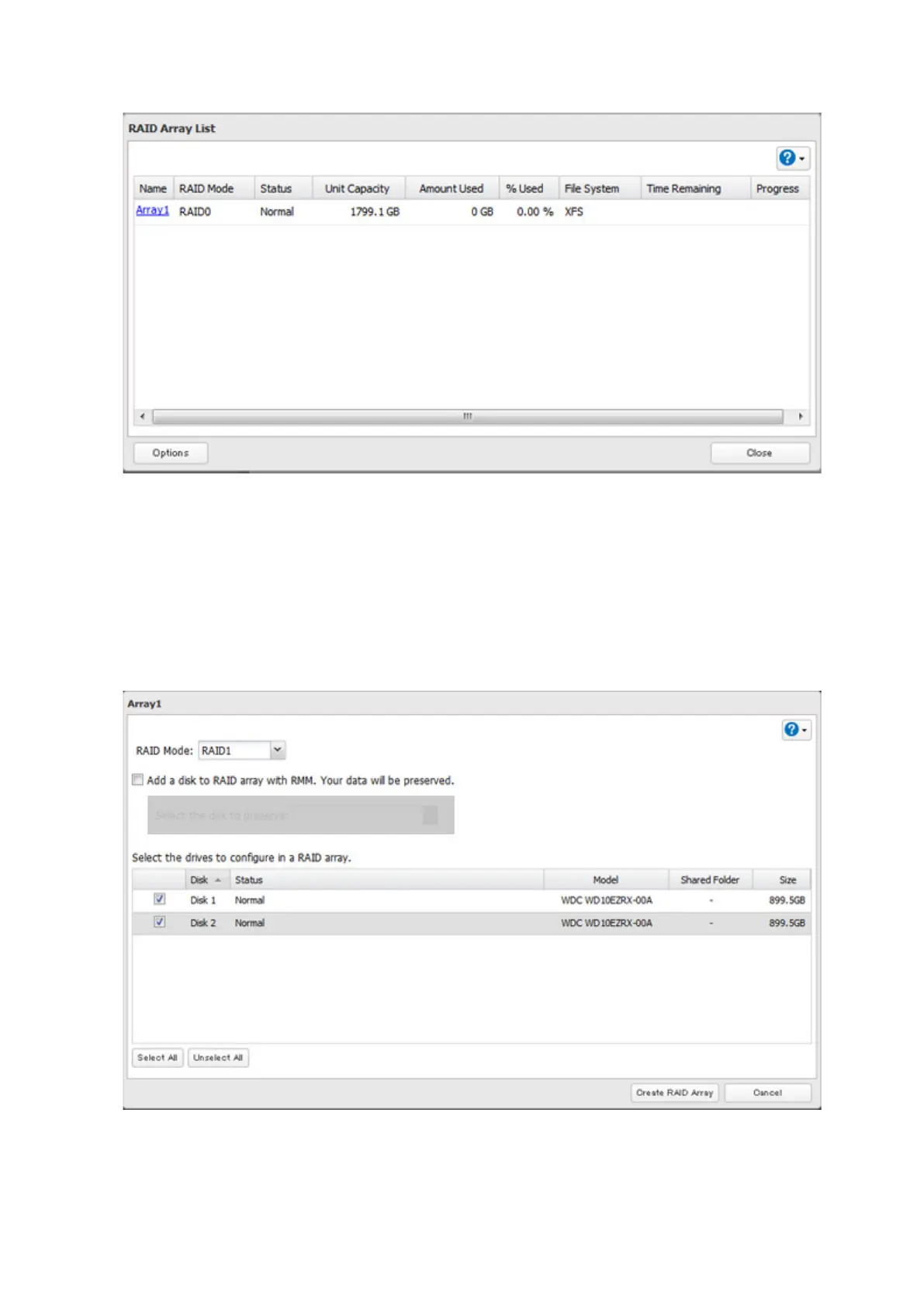
3 Click the array to delete.
4 Click Delete RAID Array.
5 The "Confirm Operation" screen will open. Enter the confirmation number, then click OK.
6 Click OK.
7 Choose a RAID array.
8 Select a RAID mode and the drives to be used, then click Create RAID Array.
9 The "Confirm Operation" screen will open. Enter the confirmation number, then click OK.
10 Click OK when finished.
36



 To Next Page