Type Files included
Management backup
Each time a backup is executed, management information is stored, and
only files that have changed are copied or deleted. Data is retrieved from the
previous backup file for files that were not changed. This is useful for making
backups with limited space or for referencing status at a particular point in
time (for use for data snapshot applications). The destination folder for a
management backup should be a local folder on this TeraStation or on a USB
drive attached to it. The destination folder will be set to read-only. Do not use
folders from drives formatted with FAT.
You can specify how many backup versions to keep from 1–400, or select
"Unlimited" to keep all backups until the drive is full. The backup destination
folder should be on the same TeraStation that the backup job is configured
from, or on an external USB drive attached to that TeraStation.
5 Click Add.
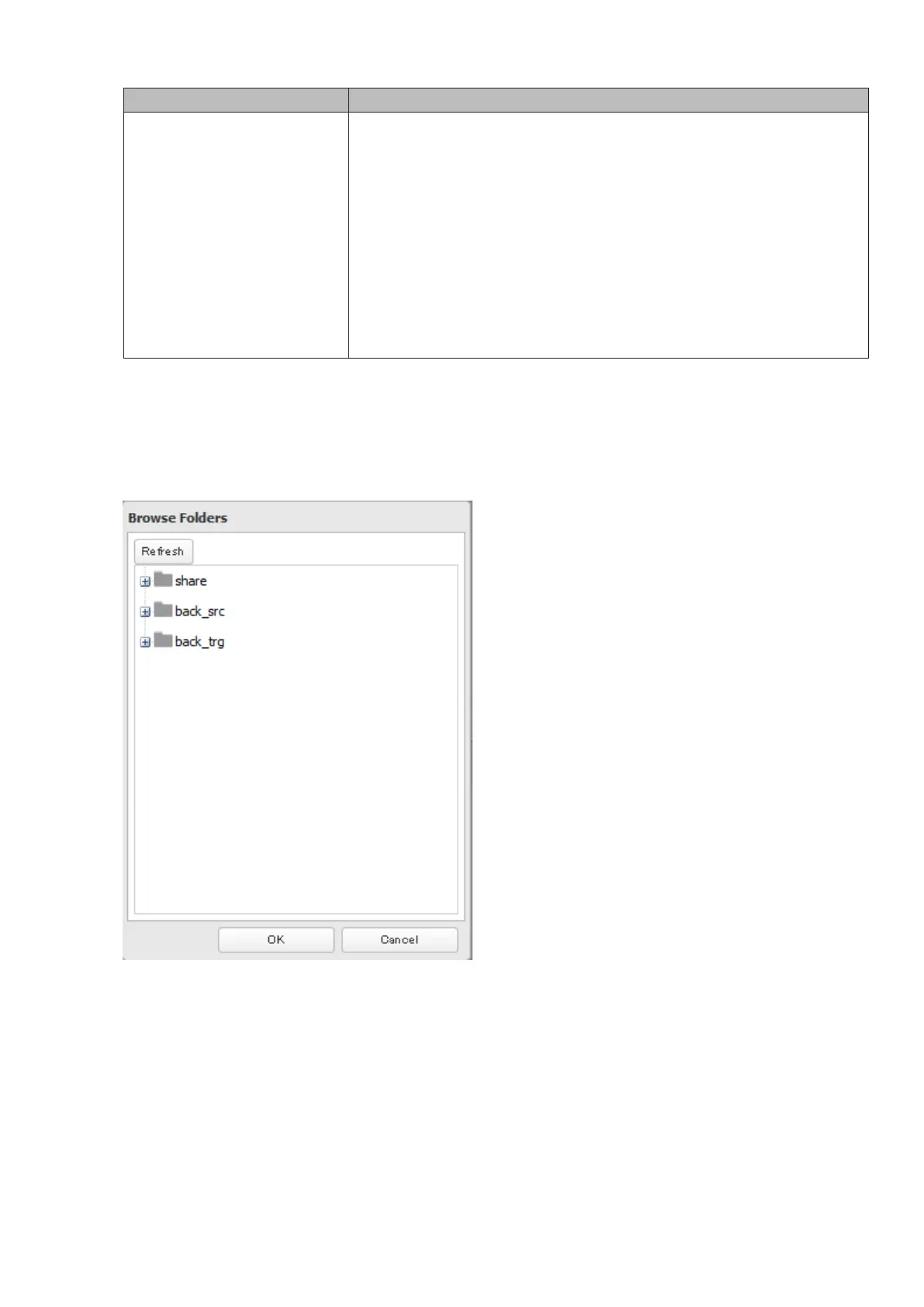
6 Click Browse under "Backup Source Folder Name".
7 Select the shared folder that will be the backup source, then click OK.
Note: Do not select a folder that contains a space in its folder name, or the backup job may fail.
8 Click Browse under "Backup Target Folder Name".
66



 To Next Page