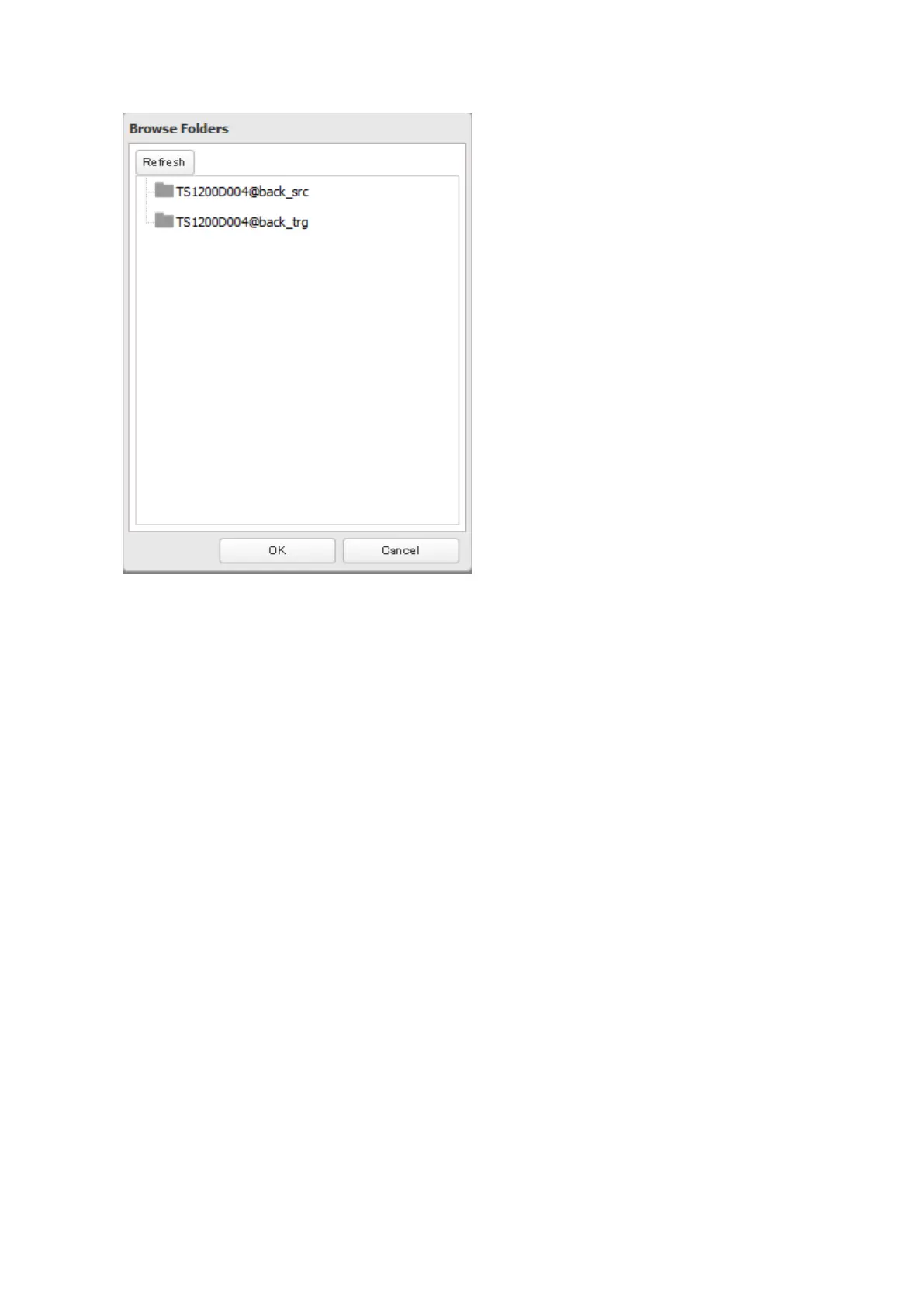
8 Select the shared folder that will be the replication destination, then click OK.
9 Click OK.
10 Click Yes.
Notes:
• During setup, you may choose to encrypt and/or compress replication data. Encrypted data will be transferred
securely on the network. Compressed data will ease network loading and is recommended for slow or heavily
loaded network connections. Either will increase the CPU load on the source TeraStation. Encrypted and
compressed data will be unencrypted and decompressed on the target TeraStation.
• A maximum of 2 shared folders can be configured for replication.
• Replication can also be used to copy all data from a share to a share on an attached external drive. Format the
drive with ext3 or XFS before using it for replication. Drives with FAT32 and HFS Plus partitions are not supported
with replication.
• You can select subfolders as the replication source. Folders whose names contain more than 80 alphanumeric
characters cannot be selected.
• Don't use the same TeraStation for both replication and Time Machine.
• Don't configure replication from one source folder to multiple destination folders.
70



 To Next Page