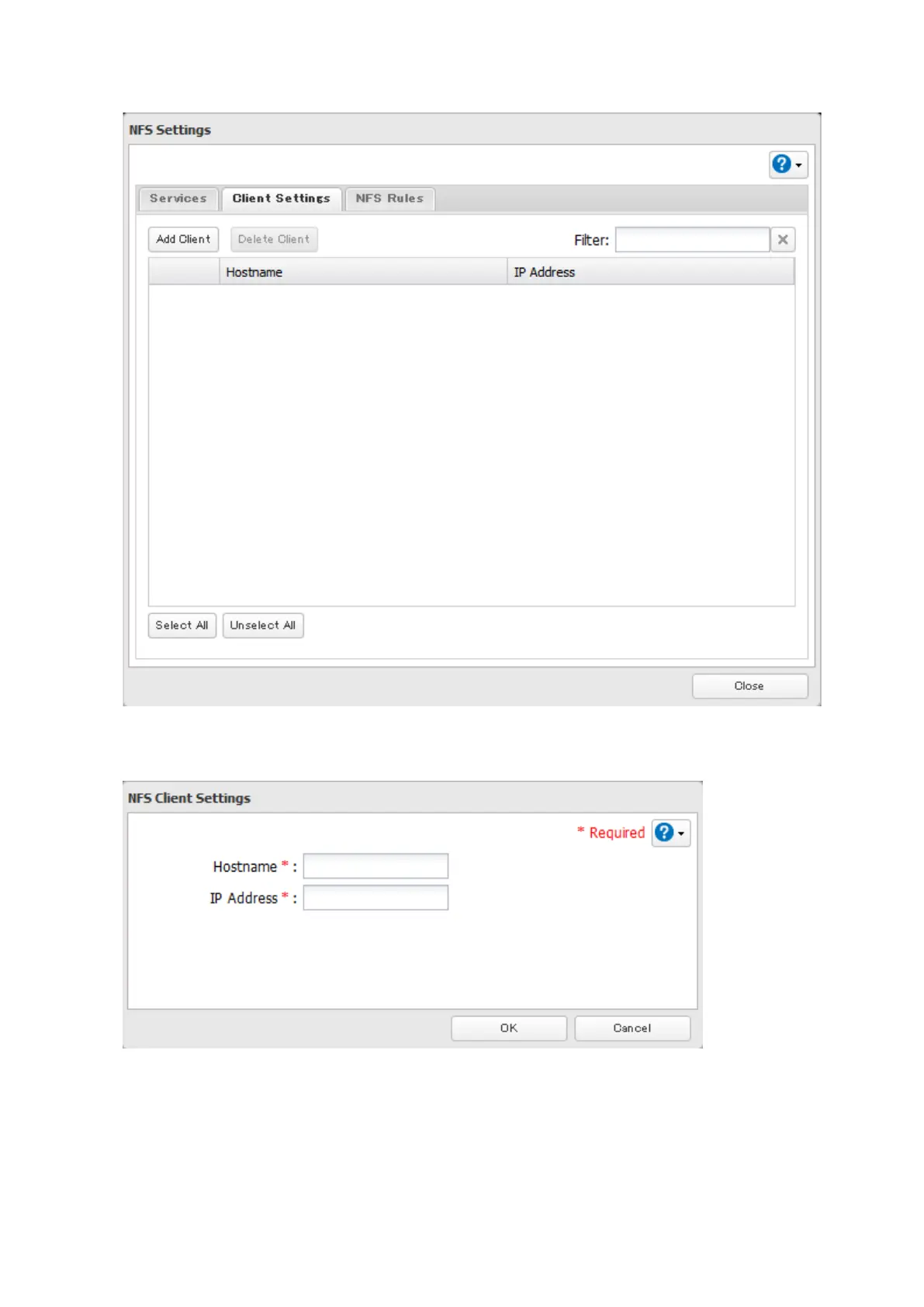
10 Click Add Client.
Note: To delete a client, check the hostname and click Delete Client.
11 Enter the IP address and hostname of the NFS client, then click OK.
12 Click Close.
13 Enter the mount command to access the shared folder from the NFS client.
The mount command depends on your operating system. The examples below assume that IP address of your
TeraStation is 192.168.11.10, "/mnt/array1/share" is the desired NFS path, and "/mnt/nas" or drive letter "z" is
the mount point.
93



 To Next Page