Chapter 4 Conguration
WZR-HP-AG300H User Manual 87
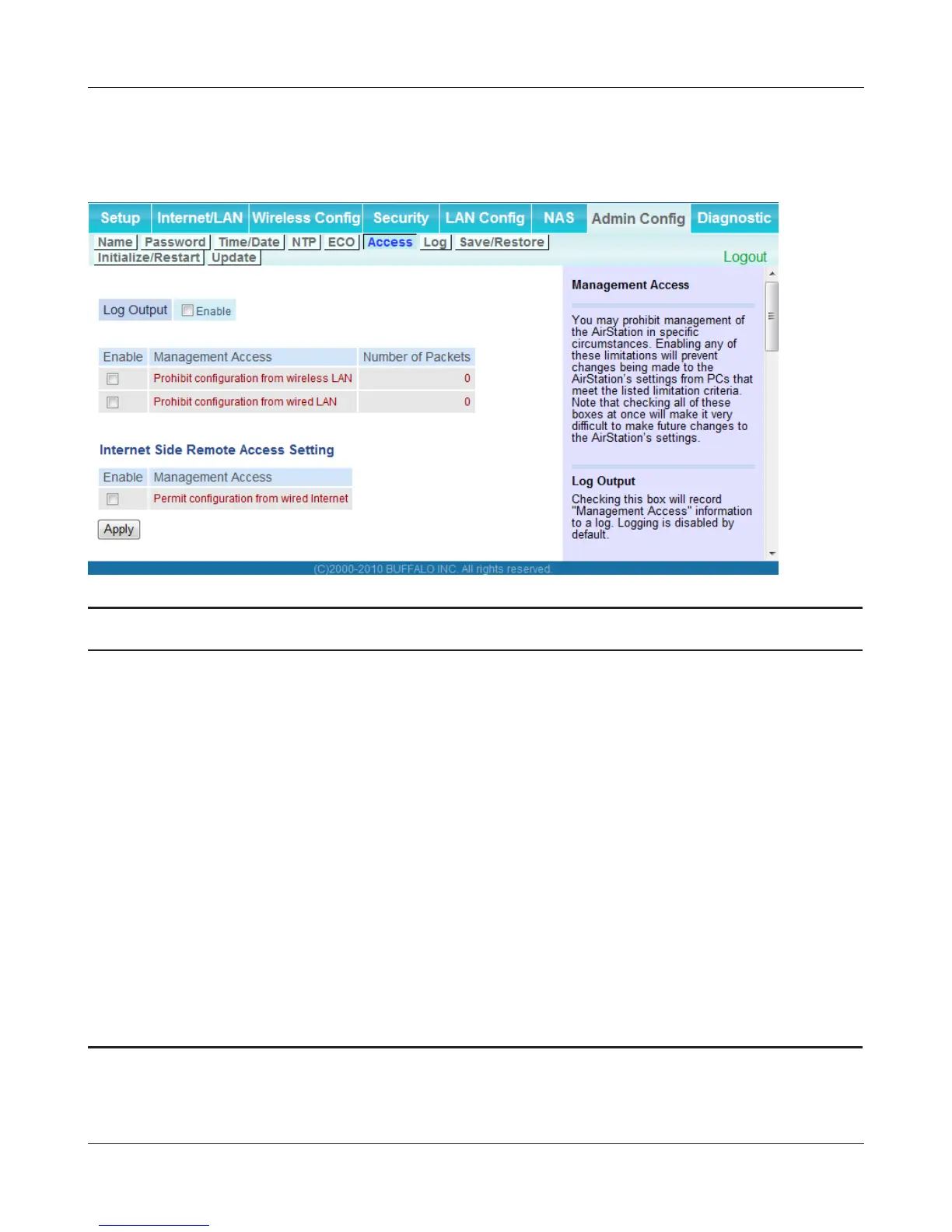
Access
Restrict access to the AirStation’s settings screens.
Parameter Meaning
Log Output Enabling outputs a log of changes to access settings.
Prohibit conguration from wireless
LAN
If enabled, prevents access to settings screens from wirelessly
connected devices (only wired devices may congure).
Prohibit conguration from wired
LAN
If enabled, prevents access to settings screens from wired devices
(only wirelessly connected devices may congure).
Permit conguration from wired
Internet
If enabled, allows access to settings screens from network devices
on the WAN (Internet) side.
Permitted IP address Displayed only if Internet side conguration is enabled. Enter the
IP address of a device that is permitted to congure the AirStation
remotely from the WAN (Internet) side.
Permitted Port Displayed only if Internet side conguration is enabled. Set a port
number (1 - 65535) to congure the AirStation from the WAN
(Internet) side.


 To Next Page
 Loading...








