WZR-HP-AG300H User Manual 22
Chapter 3 Installation
Macintosh
1
Open the conguration Interface of the AirStation.
2
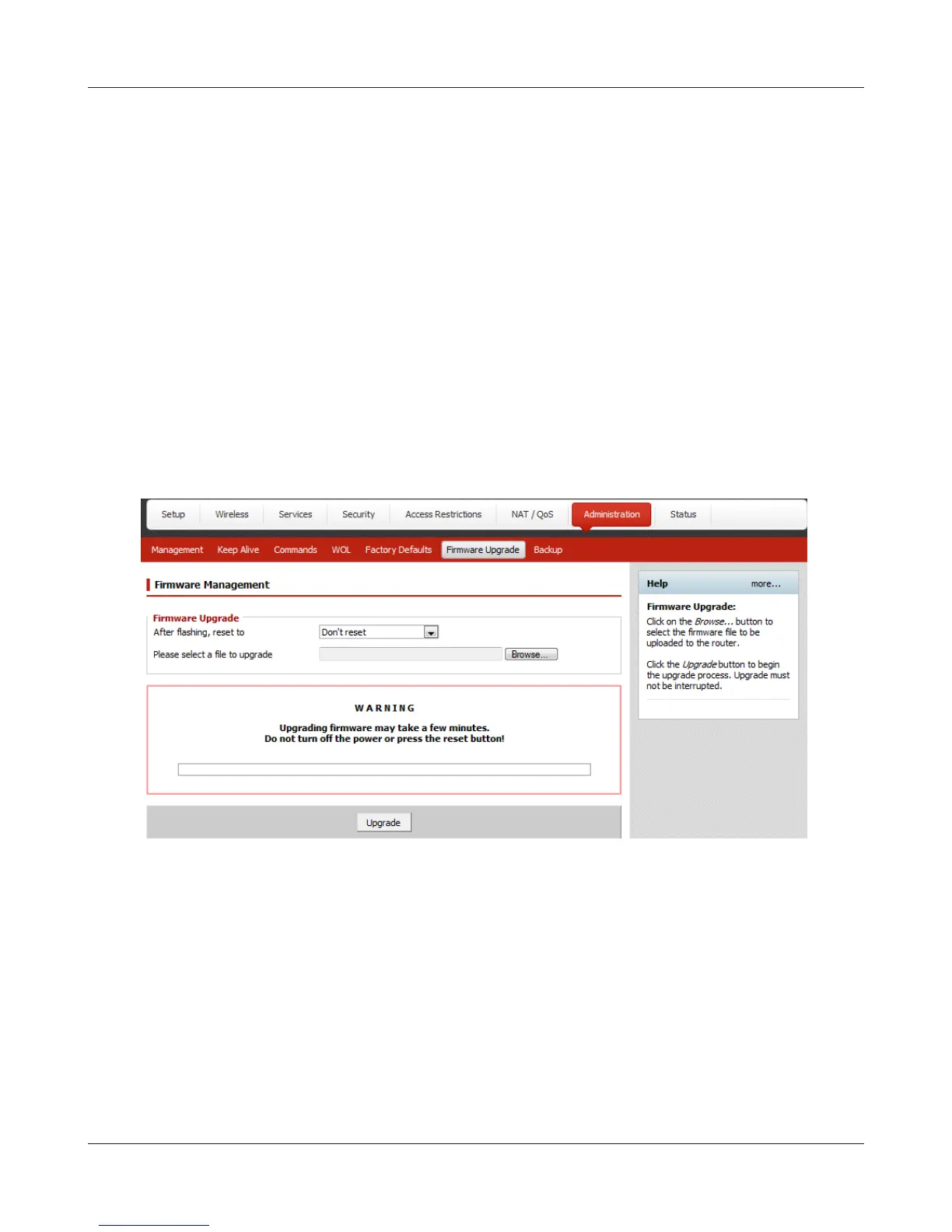
To replace the professional rmware with the user-friendly rmware, click [Administration] >
[Firmware Upgrade].
To replace the user-friendly rmware with the professional rmware, go to [Easy Setup] and
click [Update AirStation Firmware].
3
Click [Browse...] to select the rmware le, and click [Upgrade] or [Apply].
Note: The rmware les are contained in the “Firmware” folder of the AirNavigator CD.
Professional rmware (dd-wrt) update screen:


 To Next Page
 Loading...








