WZR-HP-AG300H User Manual 121
3G Connection Manager software lets you manage the 3G internet connection easily.
Note: The 3G Connection Manager does not support Mac OS.
Initial Setup
Appendix C - Managing the 3G Internet Connection
(3G Connection Manager)
1
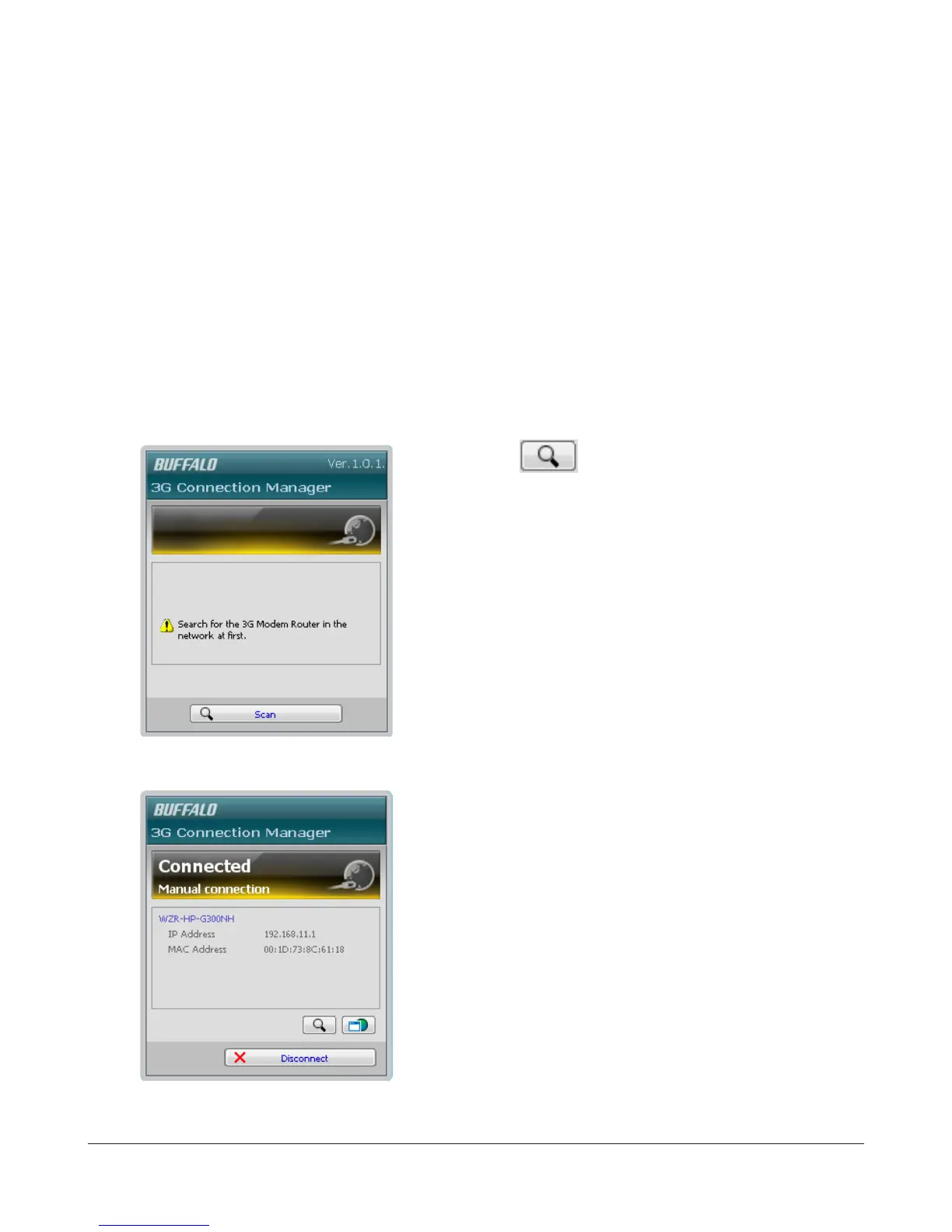
Click [Start] > [All Programs] > [BUFFALO] > [AirStation Utility] > [3G Connection Manager].
2
Clicking the icon will search for target
AirStations that support 3G modem.
3
Your AirStation’s name will appear on the screen.


 To Next Page
 Loading...








