2) disconnect
modem computer
Conrm that the
switch is positioned to
[AUTO].
OFF
WZR-HP-AG300H User Manual 16
Chapter 3 - Installation
Automatic Setup
The AirNavigator CD can step you through installing your AirStation. To step through the setup
program, insert the CD into your Windows 7/Vista/XP PC and follow the instructions on the screen.
If your computer uses a dierent operating system, use manual setup instead.
Note: · To use a wireless client in Windows 7 or Vista, perform setup using the AirNavigator CD to automatically
generate a profile for wirelessly connecting to the AirStation. After setup is complete, once the LAN
cable is removed, you can connect from your wireless client to the AirStation.
· Before performing setup, enable your computer’s wireless client.
Manual Setup
To congure your AirStation manually, follow the procedure below.
1
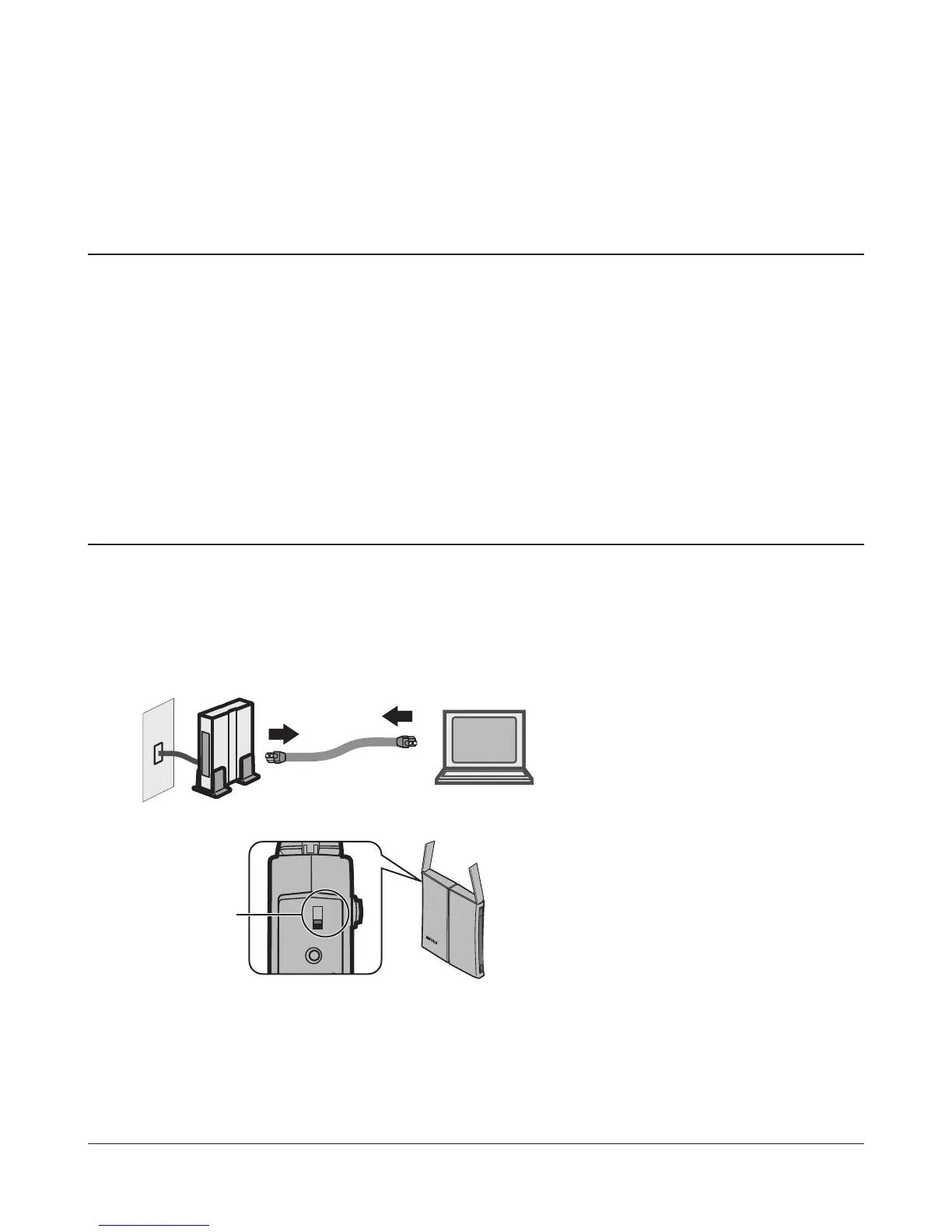
Verify that you can connect to the internet without the AirStation, then turn o your modem
and computer.
2
Unplug the LAN cable which connects
your computer and modem.
3
Make sure the mode switch on the back of
the AirStation is in the “auto” position.


 To Next Page
 Loading...








