Chapter 4 Conguration
WZR-HP-AG300H User Manual 57
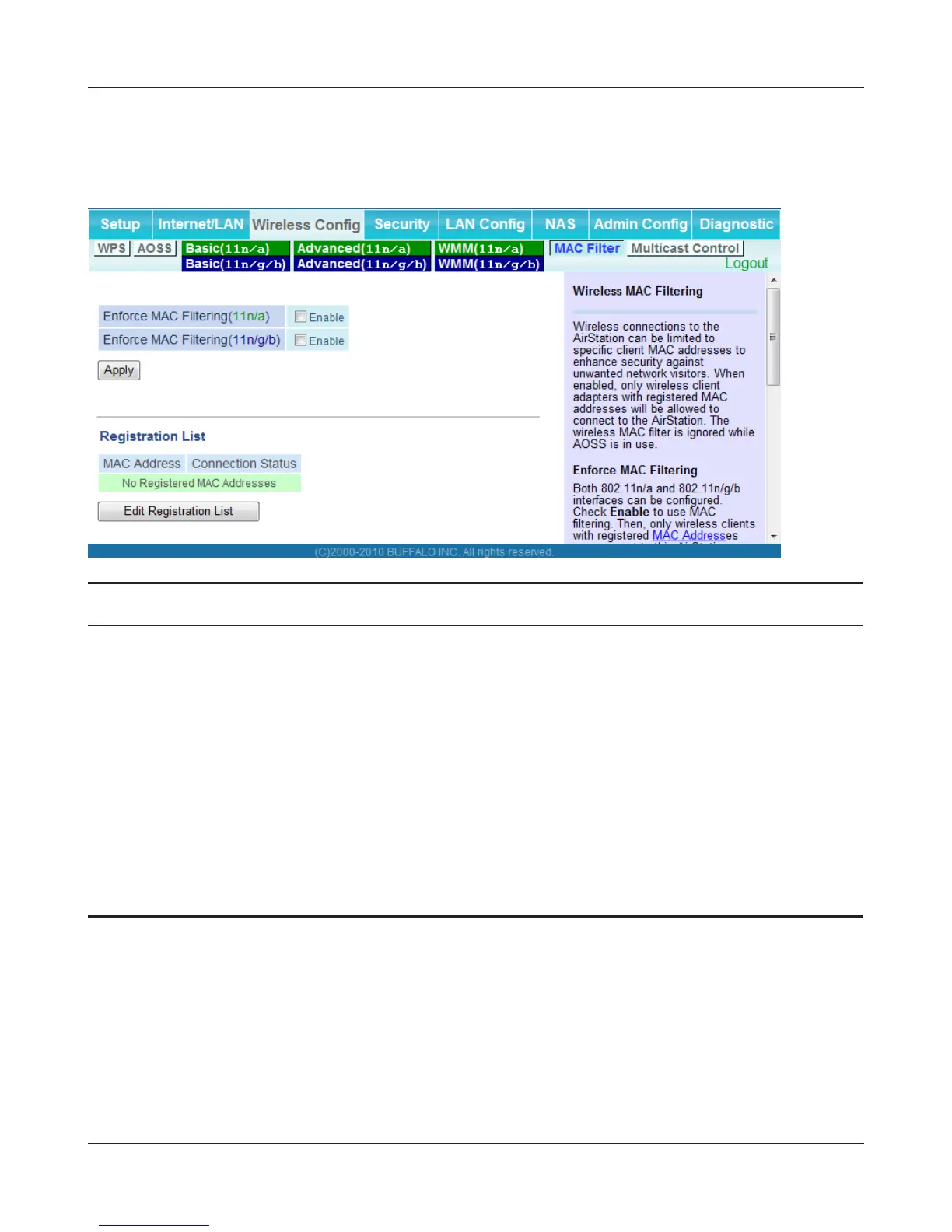
MAC Filter
Restrict access to specic wireless devices.
Parameter Meaning
Enforce MAC Filtering Enable to restrict wireless connections to devices with registered
MAC addresses.
Registration List Displays the MAC addresses of registered devices which are
permitted to connect wirelessly.
Edit Registration List Adds a wireless device to the list of permitted devices.
MAC Addresses to be Registered Enter a MAC address of a wireless device to permit to connect to
the AirStation. Click [Register] to add that MAC address to the list.
List of all clients associated with this
AirStation
Display the list of all MAC addresses of wireless devices connected
to the AirStation.


 To Next Page
 Loading...








