Chapter 4 Conguration
WZR-HP-AG300H User Manual 63
LAN Cong (QoS)
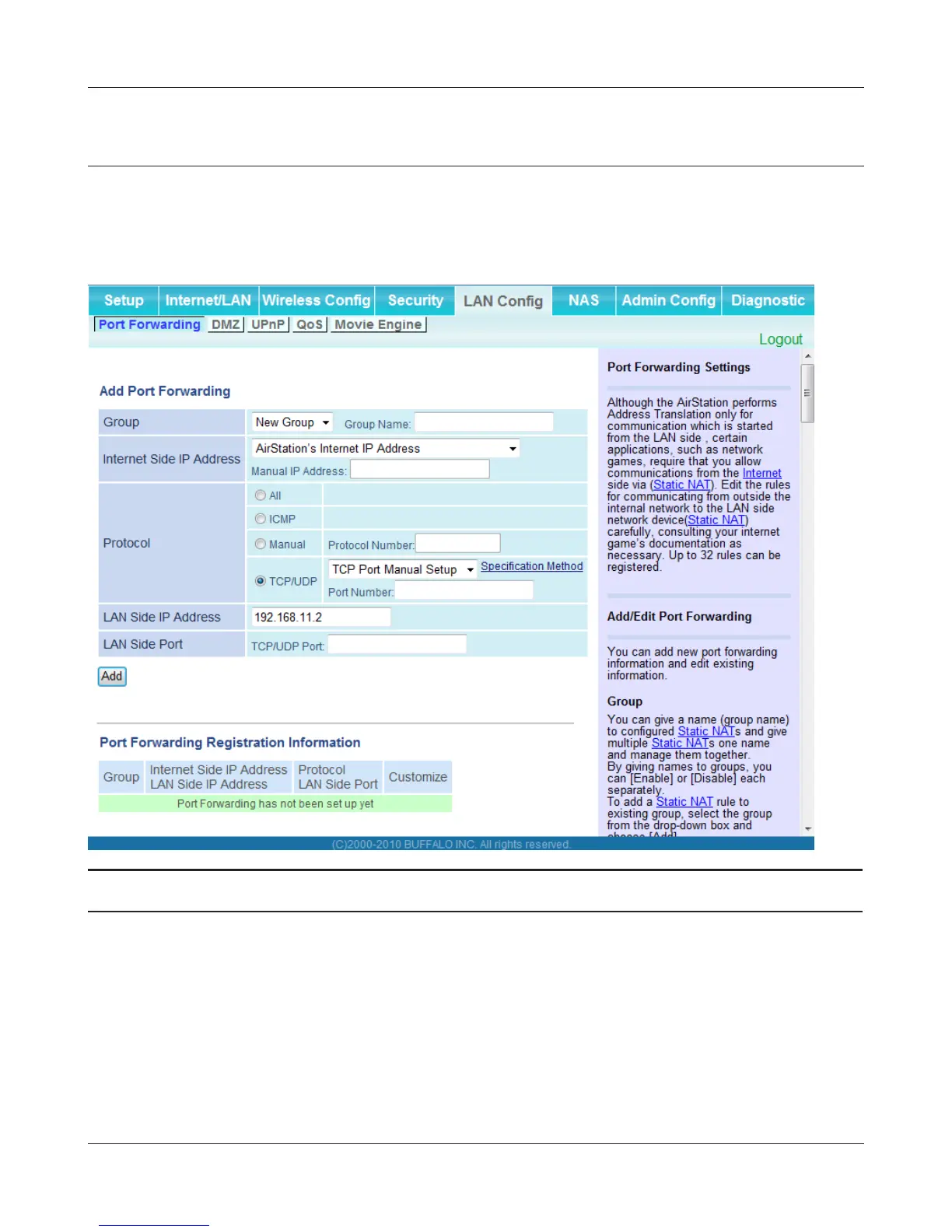
Port Forwarding (Router Mode only)
Congure port translation.
Parameter Meaning
Group Specify a group name for a new rule to belong to. Select [New
Group] and enter the new group name in the Group Name
eld to create a new group. A group name can include up to 16
alphanumeric characters.
Internet Side IP Address Enter the Internet side IP address (before translation) for the port
translation table entry.
Protocol Select the Internet side protocol (before translation) for the port
translation table entry.



 To Next Page
 Loading...







