18
WZR-HP-AG300H User Manual 12
Chapter 1 Product Overview
15
Internet Port 10 Mbps, 100 Mbps, and 1000 Mbps connections are supported.
Note: In bridge/AP mode (router switch o), the Internet port becomes a
regular LAN port, for a total of 5 usable LAN ports.
16
Internet LED (Green)
On: The Internet port is connected.
Flashing: The Internet port is transmitting data.
17
DC Connector Connect the included AC adapter here.
Bottom
18
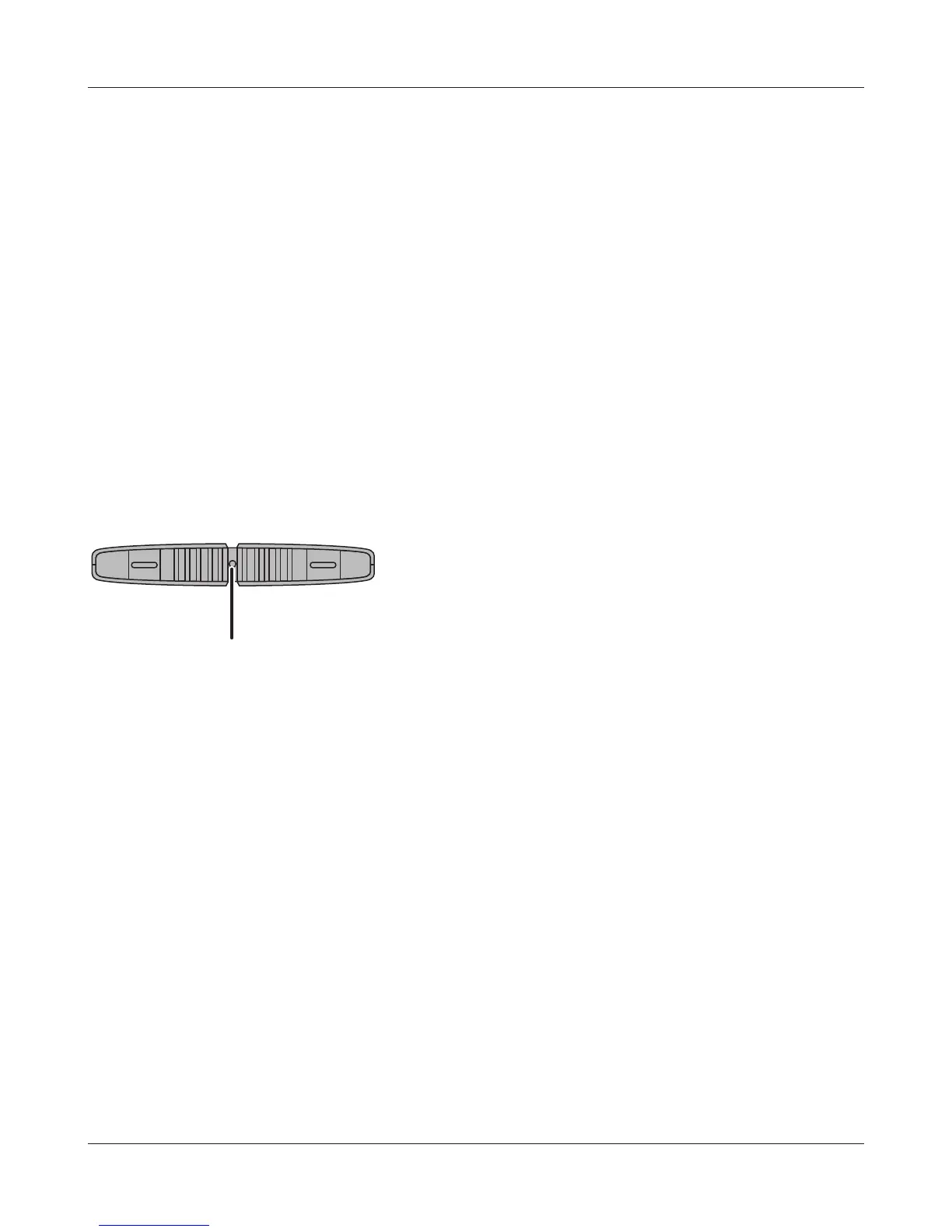
Reset Button To reset all settings, hold down this button until the Diag LED comes on
(about 3 seconds). Power must be on.


 To Next Page
 Loading...








