WZR-HP-AG300H User Manual 122
Appendix C Managing Internet Connection (Connection Manager)
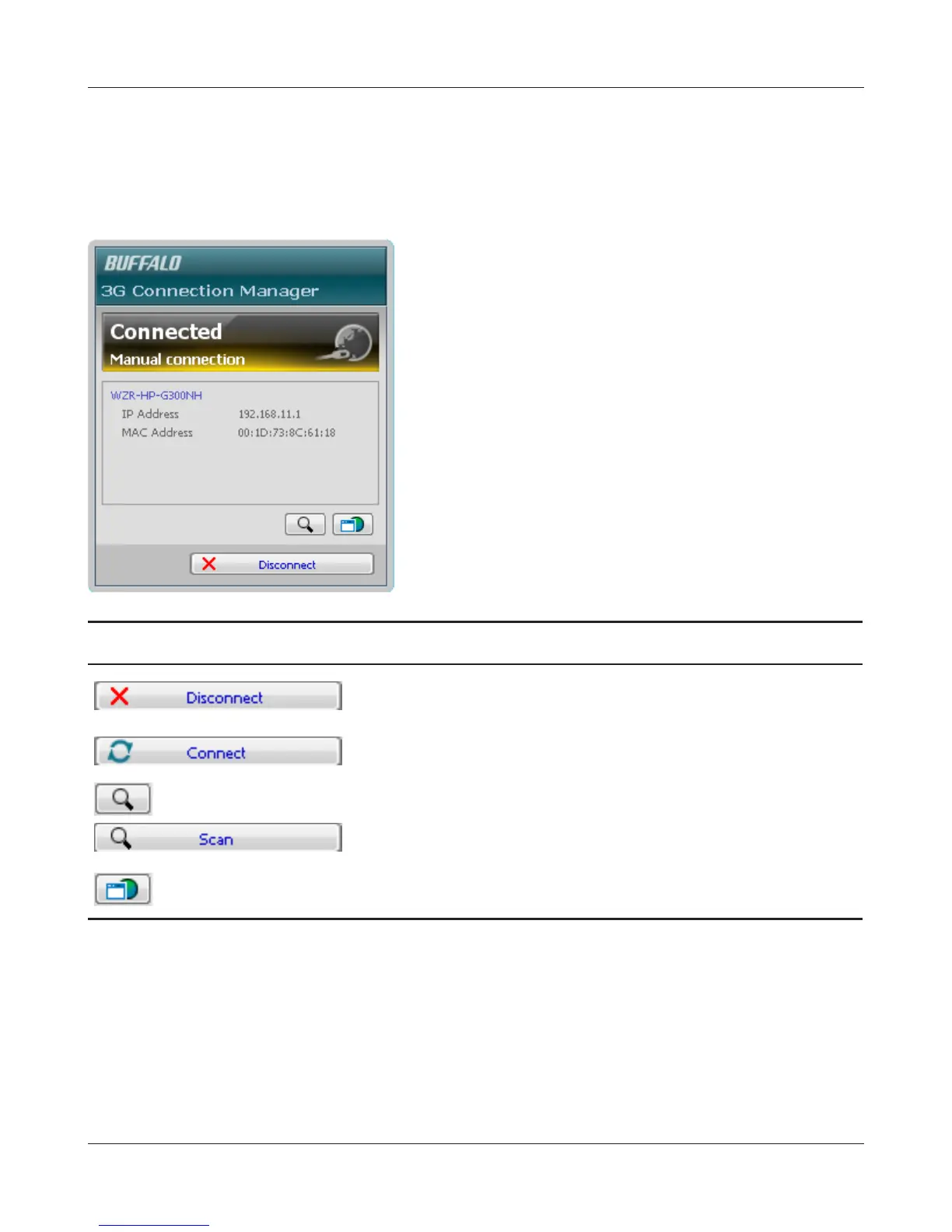
Main Screen
The main screen displays the current connection status. You can perform the following operations
from this screen.
Parameter Meaning
Cut the 3G modem’s internet connection. Removing the 3G
modem from the router will stop the internet quickly.
Establish an internet connection with the 3G modem.
Search for AirStations that support the 3G modem.
Opens the AirStation’s web conguration screen.


 To Next Page
 Loading...








