Chapter 3 Installation
WZR-HP-AG300H User Manual 19
3
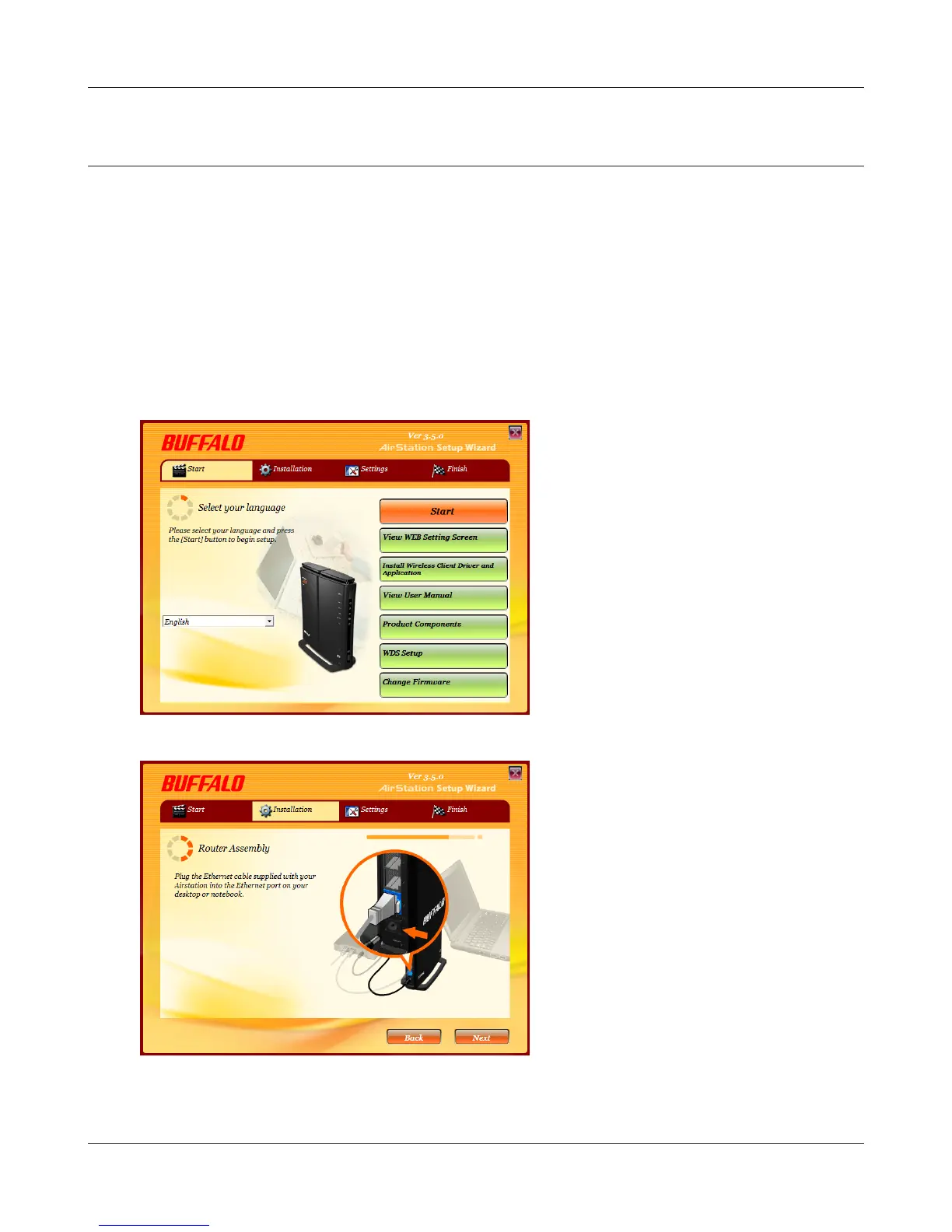
The procedure for wiring will be displayed.
Step through the wizard to connect your
AirStation.
Changing Firmware
To change between the professional rmware (dd-wrt) and the user-friendly rmware, follow the
steps below.
Windows
1
Insert the AirNavigator CD into your computer. The setup wizard will automatically launch.
Note: If the Setup Wizard does not launch, open the CD and double-click [ASSetWiz.exe] in the “Win” folder.
2
Click [Change Firmware].


 To Next Page
 Loading...








