Chapter 4 Conguration
WZR-HP-AG300H User Manual 89
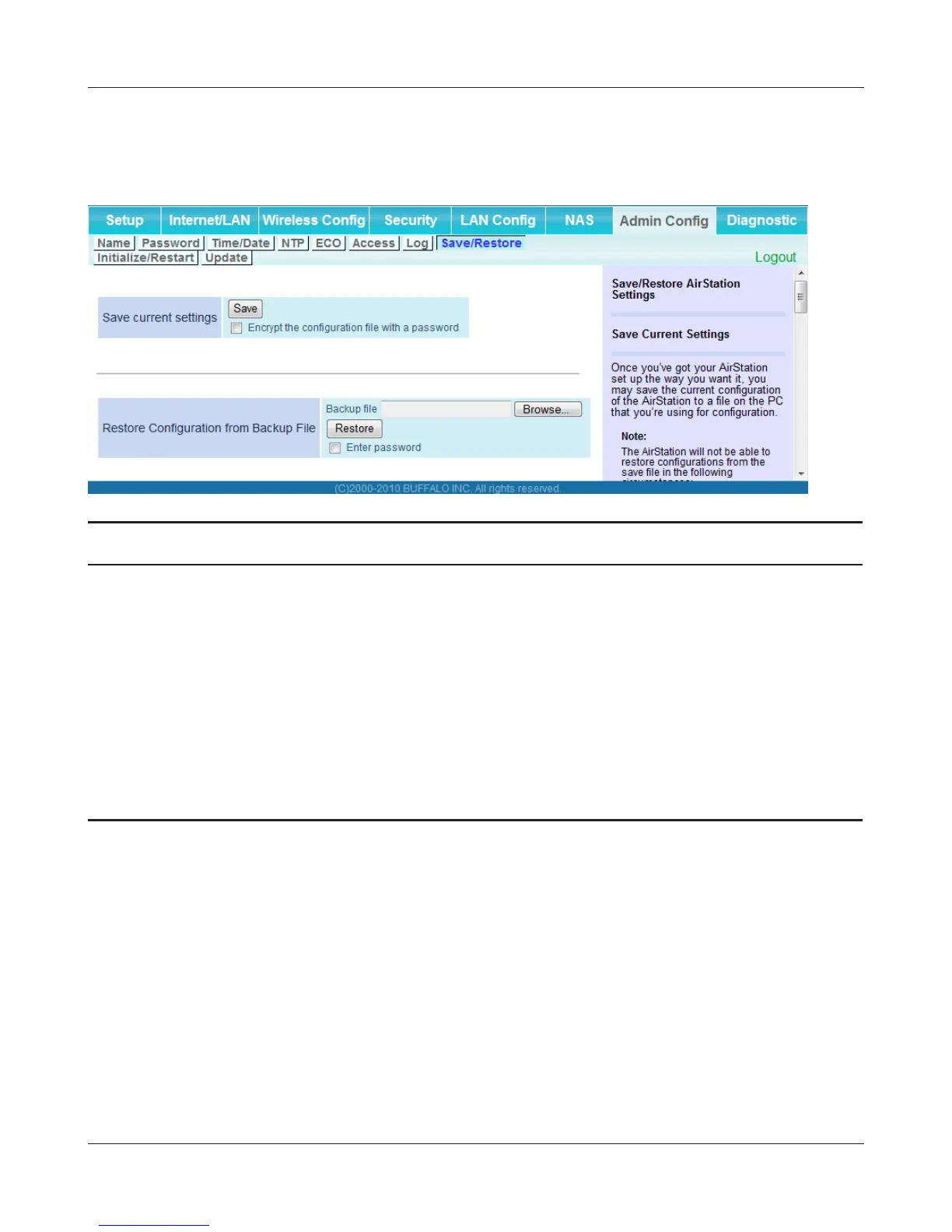
Save/Restore
Save AirStation settings as a le, and restore from them later.
Parameter Meaning
Save current settings Clicking [Save] will save the current conguration of the AirStation
to a le. If the [Encrypt the conguration le with a password]
option is checked, then the conguration le will be password
protected with the current administrator password.
Restore Conguration from Backup
File
Restore the conguration of the AirStation from a saved
conguration le by clicking the [Browse...] button, navigating to
the conguration le, and then clicking Restore. If the conguration
le was password protected, then put a check next to [To restore
from the le you need the password], enter the password, and click
[Open].


 To Next Page
 Loading...








