SYSTEM SETTINGS
User roles are configured in ELI Link by configuring the security whose members are considered guests,
technicians or administrators.
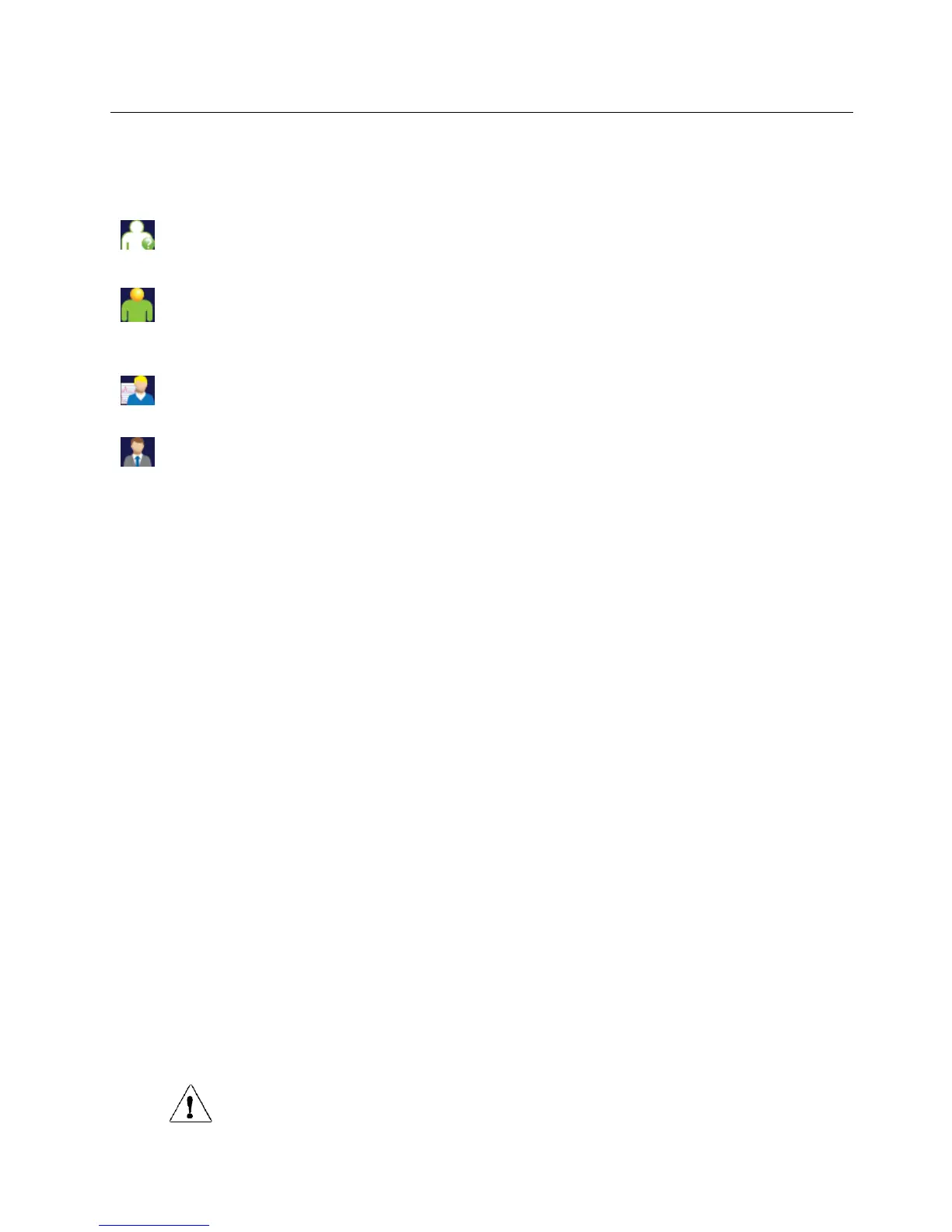
Anonymous Guest – the user has not been authenticated. The unknown guest may only acquire new
ECGs by manual entry of patient demographics. Their User Name will not be prepopulated into the
Technician field of new ECGs.
Known Guest – the user has been authenticated on the network with their User Name and Password,
but the user has not been granted Technician or Administrator permissions. The user has all
capabilities except access to advanced configuration items, directory, MWL and real time sync. The
user may only acquire new ECGs by manual entry of patient demographics. The Known Guest User
Name will be prepopulated into the Technician field of new ECGs.
Technician – the user has been authenticated on the network with their User Name and Password, and
the user has been granted Technician permissions. In addition to Guest permissions, this user may also
view orders and stored ECGs.
Administrator – the user has been authenticated on the network with their User Name and Password,
and the user has been granted Administrator permissions. In addition to Technician permissions, this
user may also change the ELI 280’s settings.
Auto Log Off
When user authentication is used, this setting specifies the number of minutes the ELI 280 may remain idle before it
automatically logs the user off. The device is idle when there is no patient connected and the screen is off. The user
may manually put the device into an idle state by lightly pressing the power button.
An authenticated user may also log off manually at any time by selecting the Settings button from the main screen
and selecting Log Off.
Note: The device is not considered idle and will not automatically log off the user when a patient is connected.
Configuration Settings: ECG
AC Filter
This selection allows the user to remove 60 Hz or 50 Hz interference on the ECG trace. The setting selected depends
on the line frequency in the host country. Always use the 60 Hz setting in the U.S. If AC interference is frequently
present on the ECG signal, make sure the proper AC filter frequency has been selected.
Filter
This selection allows the user to select the appropriate filtering for the desired trace results. The band-pass filter that
is selected attenuates higher frequency noise and affects the fidelity of the electrocardiograph as viewed on the
display and on the printed hard copy. The filter setting is printed at the bottom right corner of the ECG printout, and
may also be viewed on the upper right-hand corner of the real-time display. Settings include:
1. The 40 Hz print-filter (0.05 to 40 Hz) setting reduces the noise from frequencies above 40 Hz.
2. The 150 Hz print-filter (0.05 to 150 Hz) setting reduces the noise from frequencies above 150 Hz (default).
3. The 300 Hz print-filter (0.05 to 300 Hz) setting reduces the noise from frequencies above 300 Hz. This
setting provides the least filtering and highest fidelity ECG signal to the printed and displayed ECG; this
setting is recommended for pediatric ECG’s.
WARNING: When the 40 Hz filter is used, the frequency response requirement for diagnostic
ECG equipment cannot be met. The 40 Hz filter significantly reduces high-frequency components of the
ECG and pacemaker spike amplitudes, and is recommended only if high-frequency noise cannot be reduced
by proper procedures.



 To Next Page