41
Adjustment and commissioning
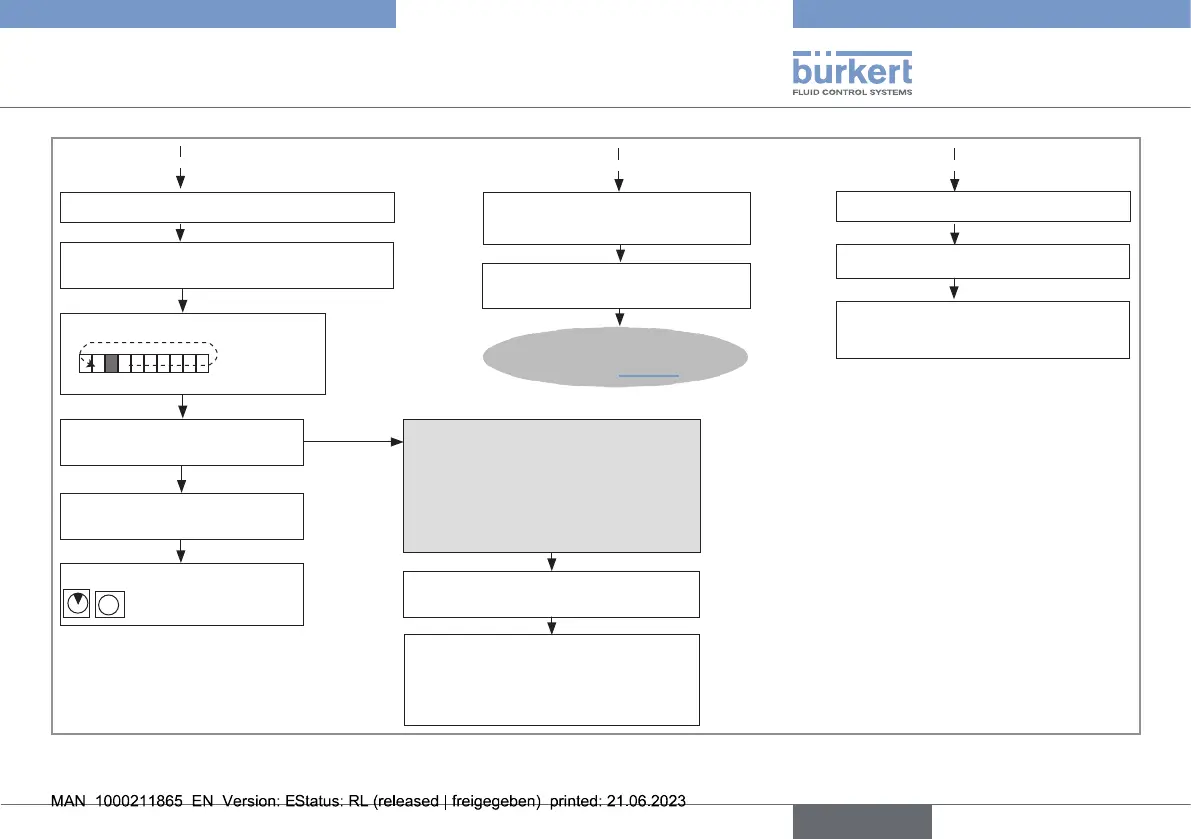
Calibration in progress
→ Press and hold the push
button until...
To select the calibration of the
other parameter
B
A
→ Briey press push button.
End of calibration: red LED
goes o?
Go back to Read mode
NO
To calibrate automatically
Red LED ashes:
4times: uid velocity<2m/s
5times: uid velocity<10m/s
The full scale cannot be calibrated
→ Press push button for 2s.
Go back to Read mode using the
full scale selected or previously
calibrated.
Full scale value stored
YES
→ Wait for 10s.
To go back to the Read mode
C
Go back to Read mode without
conrming the selection displayed.
...bargraph goes back to
step1, Fig.31
Fig.32: Calibrationofthefullscale,part2
english
Type 8041



 To Next Page