48
Adjustment and commissioning
→ Briey press push button.
→ Press and hold the push
button
→ Wait for 10s.
To conrm the selection and go
back to Read mode
To modify the value displayed To go back to Read mode
without conrming the value set.
Go back to Read mode
Go back to Read mode
→ Release the push button
when desired number of
LEDs is on
C
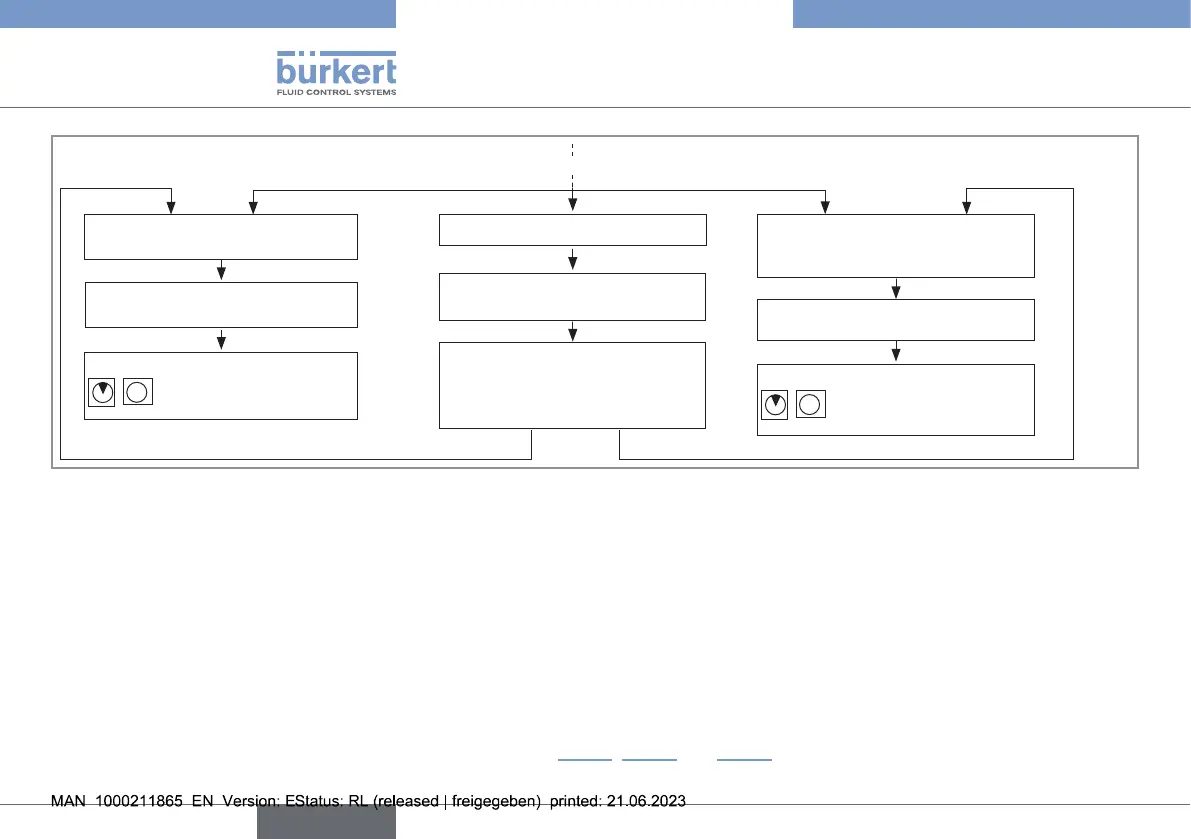
Fig.42: Settingtherelayswitchingthresholds,part3
9.9.3. Viewing and setting the time delay before switching
Switching occurs if one of the thresholds (low, high) is exceeded for a period longer than the set time delay. The time delay applies to
both switching thresholds.
The time delay before switching must be set to between 0 and 100s. If the time delay is equal to 0, switching occurs immediately.
The time delay before switching is set in 2 steps:
- setting the factors of ten for the seconds;
- setting the seconds.
→ Viewing and/or setting the time delay before switching (see Fig.43, Fig.44 and Fig.45).
english
Type 8041



 To Next Page