45
Adjustment and commissioning
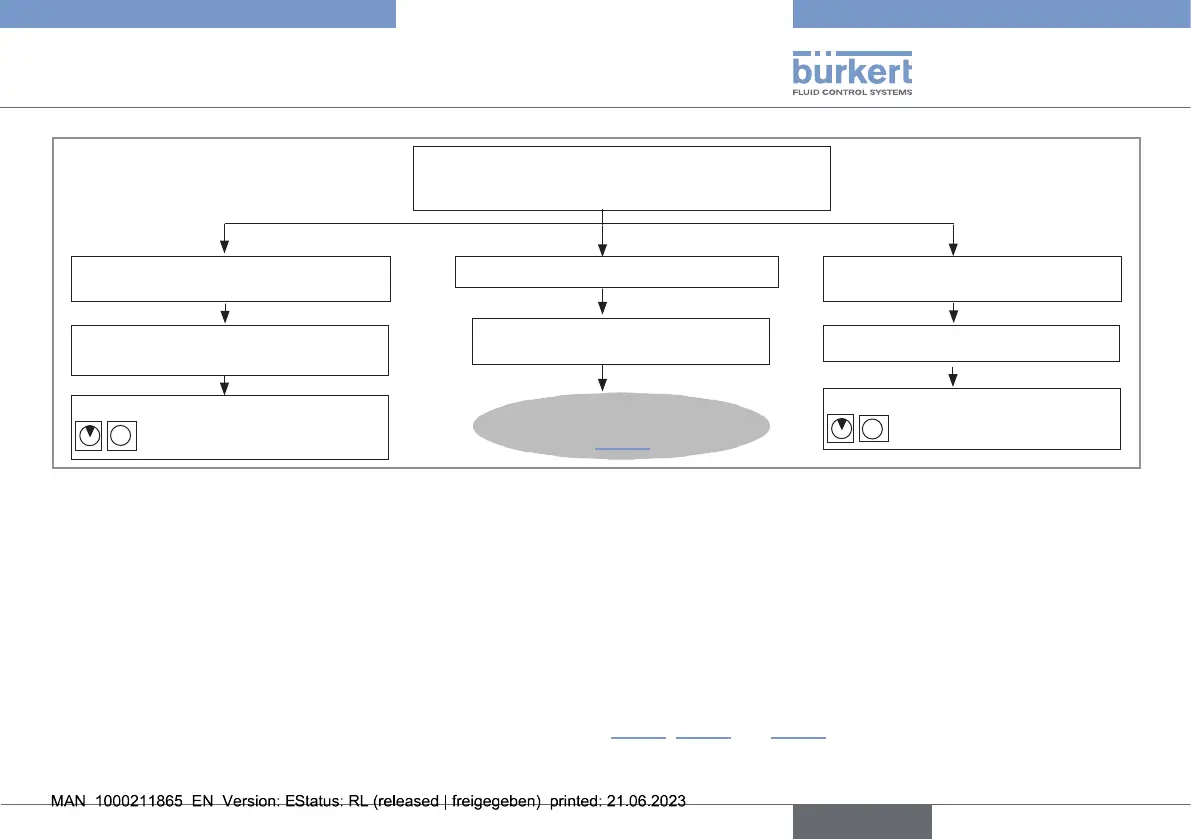
→ Briey press push button.
→ Press and hold the push button
until...
→ Wait for 10s.
→ Release push button when bargraph shows
desired way of switching.
To conrm the selection and go back
to Read mode
To choose the other way of switching To go back to Read mode without
conrming the selection
Go back to Read mode
Go back to Read mode
...bargraph goes back to step1,
Fig.38
Fig.39:
Choosingtherelayswitchingway,part2
9.9.2. Viewing and setting the low and high switching thresholds
The low switching threshold can be set in the range from 0 to the high switching threshold value.
The high switching threshold can be set in the range from the low switching threshold value to 100% of the full scale.
The low and high switching thresholds are set in 2 steps:
- setting the factors of ten;
- setting the units.
→ Viewing and/or setting the low and high switching thresholds (see Fig.40, Fig.41 and Fig.42).
english
Type 8041



 To Next Page