30
Start-up
12.3 Start-up type 8693
Tooperatethepositioncontrollerasaprocesscontroller,implement
thefollowingsteps:
1. Setting up the position controller:
Description see
“12.2.1Specifyingthebasicsettings”.
2. Setting up the process controller:
→ AddtheauxiliaryfunctionP.CONTROLtothemainmenu
(MAIN)usingthecongurationmenu(ADD.FUNCTION).
Activatetheprocesscontrollerasfollows:
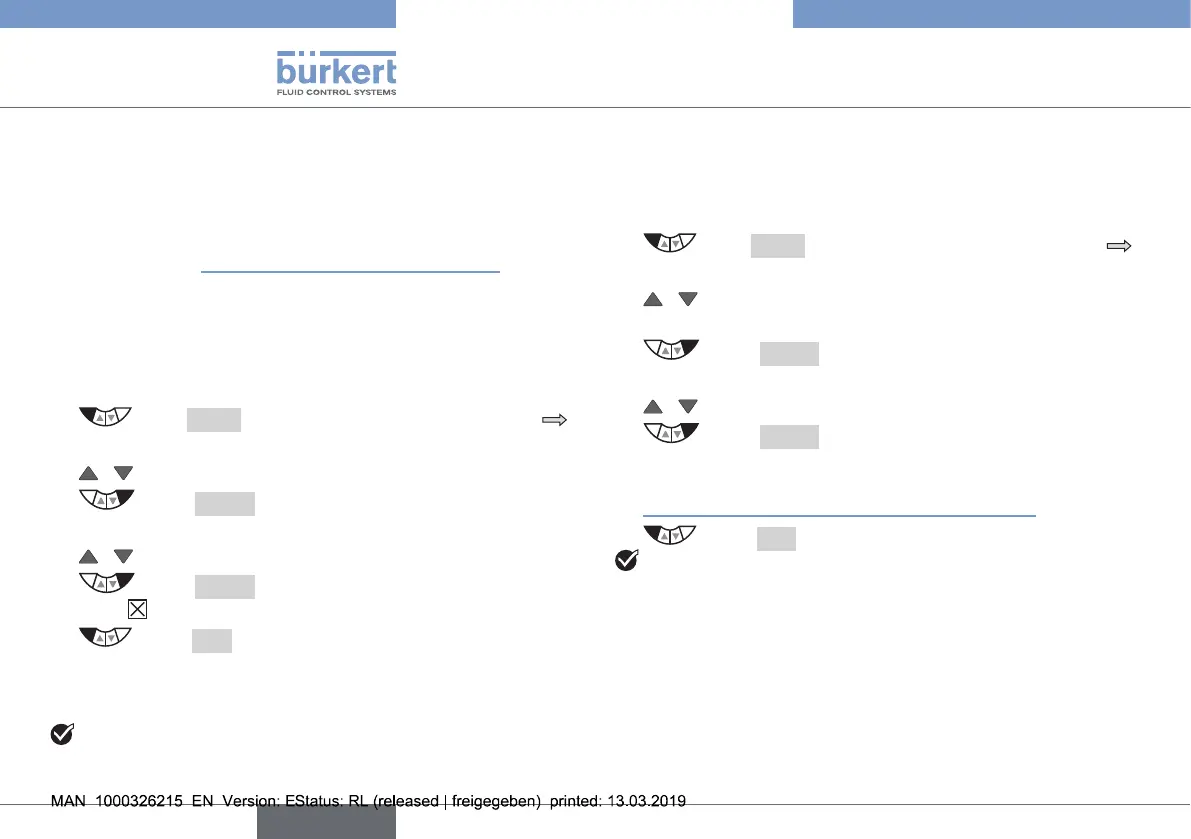
→ Press MENUfor3s.Switchingfromprocesslevel
settinglevel.
→ / SelectADD.FUNCTION.
→ Select ENTER.Thepossibleauxiliaryfunctionsare
displayed.
→ / Select P.CONTROL.
→ Select ENTER. P.CONTROLisnowmarkedbya
cross .
→ Select EXIT.Acknowledgmentandsimultaneous
returntothemainmenu(MAIN).
P.CONTROL
isnowactivatedandincorporatedintothemain
menu.
Youhaveactivatedtheprocesscontroller.
12.3.1 Basic settings of the process controller
→ Inthemainmenu(MAIN)selecttheP.CONTROL functionand
implementthebasicsettings
Setuptheprocesscontrollerasfollows:
→ Press MENUfor3s.Switchingfromprocesslevel
settinglevel.
→ / SelectP.CONTROL.Selectioninthemainmenu
(MAIN).
→ Select ENTER.Thesubmenuoptionsforthebasic
setting are displayed.
→ / Select SETUP.
→ Select ENTER.Themenuforsettinguptheprocess
controller is displayed.
Setupisdescribedintheoperatinginstructionsinchapter
“15.2SETUP–Settinguptheprocesscontroller”.
→ Select EXIT. Return to P.CONTROL.
Youhavesetuptheprocesscontroller.
english
Type 8692, 8693 REV.2



 To Next Page