89
Operating and functions
10.7 Details of the Parameters menu
To access the Parameters menu, simultaneously press keys
ENTER
for at least 5 s.
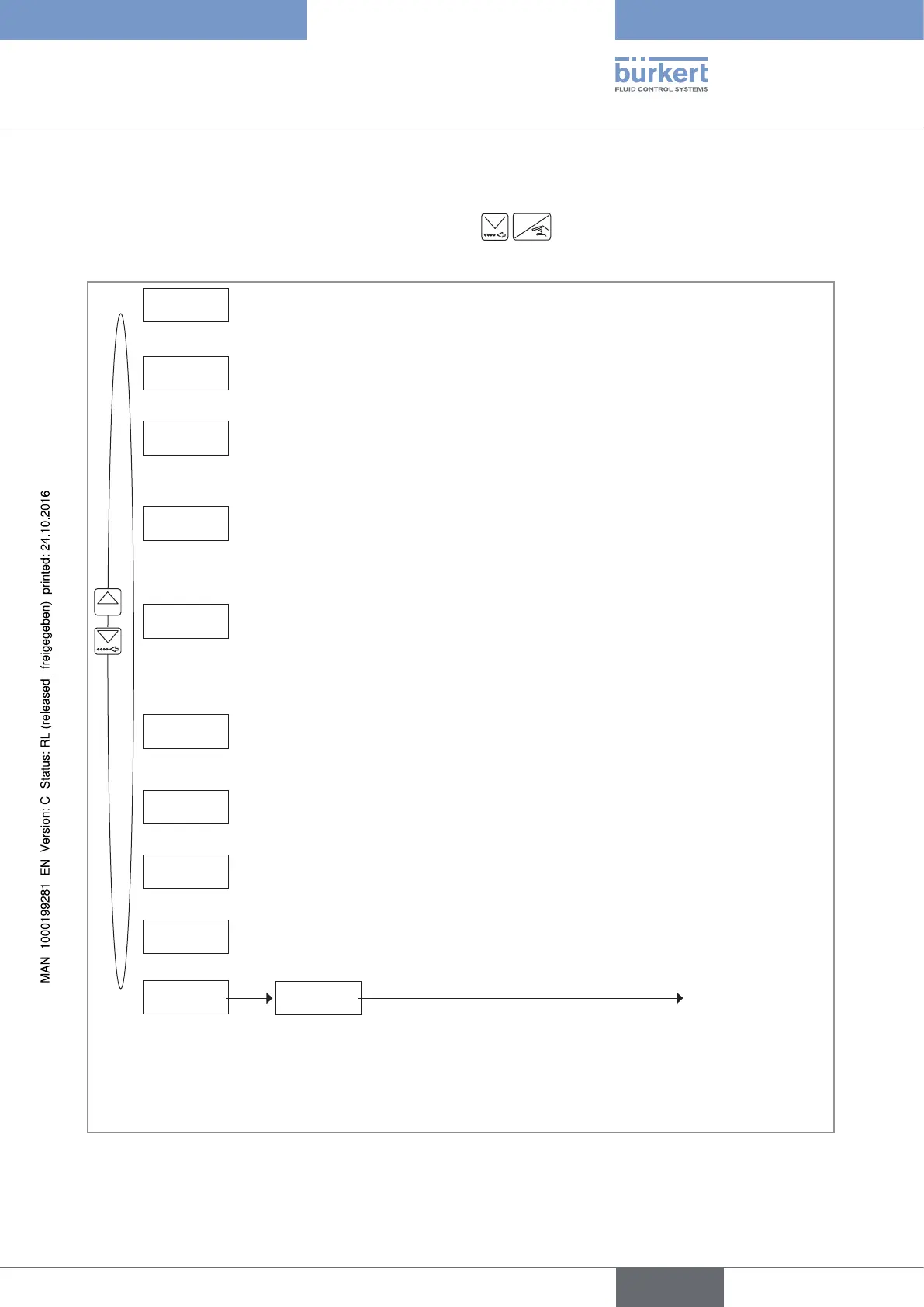
This menu comprises the following configurable parameters:
LANGUAGE
UNit
K-FACtOR
OPtiONAL
OVERFiLL
ALARM
OUtPUt
BACKLit
END
0......9
SAVE N/Y
Process level
RESEt
Choosing the display language
Choosing the dosing units, the flow rate units, the units and number of decimals of the
volume or mass totalizers
Entering the K-factor of the fitting used or having it defined through a Teach-In
procedure.
Configuring the outputs (DO1 to DO4).
Resetting the 2 volume or mass totalizers and/or the 2 totalizers of the done dosings
and/or the History menu.
Setting the brightness of the display and how long it stays ON, or deactivating the
backlight.
Saving or not the changes made within the Param-
eters menu.
If the changes are saved, the device operates with
the new settings.
• Choosing the dosing mode among 8 possible modes.
• Entering up to 7 dosing quantities, V1 to V7.
• Deactivating the overfill correction.
• Activating the overfill correction and choosing its operating mode among 4 possible
operatings.
• Deactivating the generation of alarms for problems occurring during a dosing and/or
once the dosing is finished.
• Activating the generation of alarms for problems occurring during a dosing and/or
once the dosing is finished, and entering the time delays before generation.
Fig. 57 : Diagram of the Parameters menu
English
Type 8025 - 8035 - SE35 BATCH



 To Next Page