96
Operating and functions
10.7.6 Configuring the dosing mode "LOC. MANU."
This dosing mode allows for entering a dosing quantity and starting the dosing, via the navigation keys.
OPtiONAL MODE LOC. MANU.
→ Confirm.
REtURN
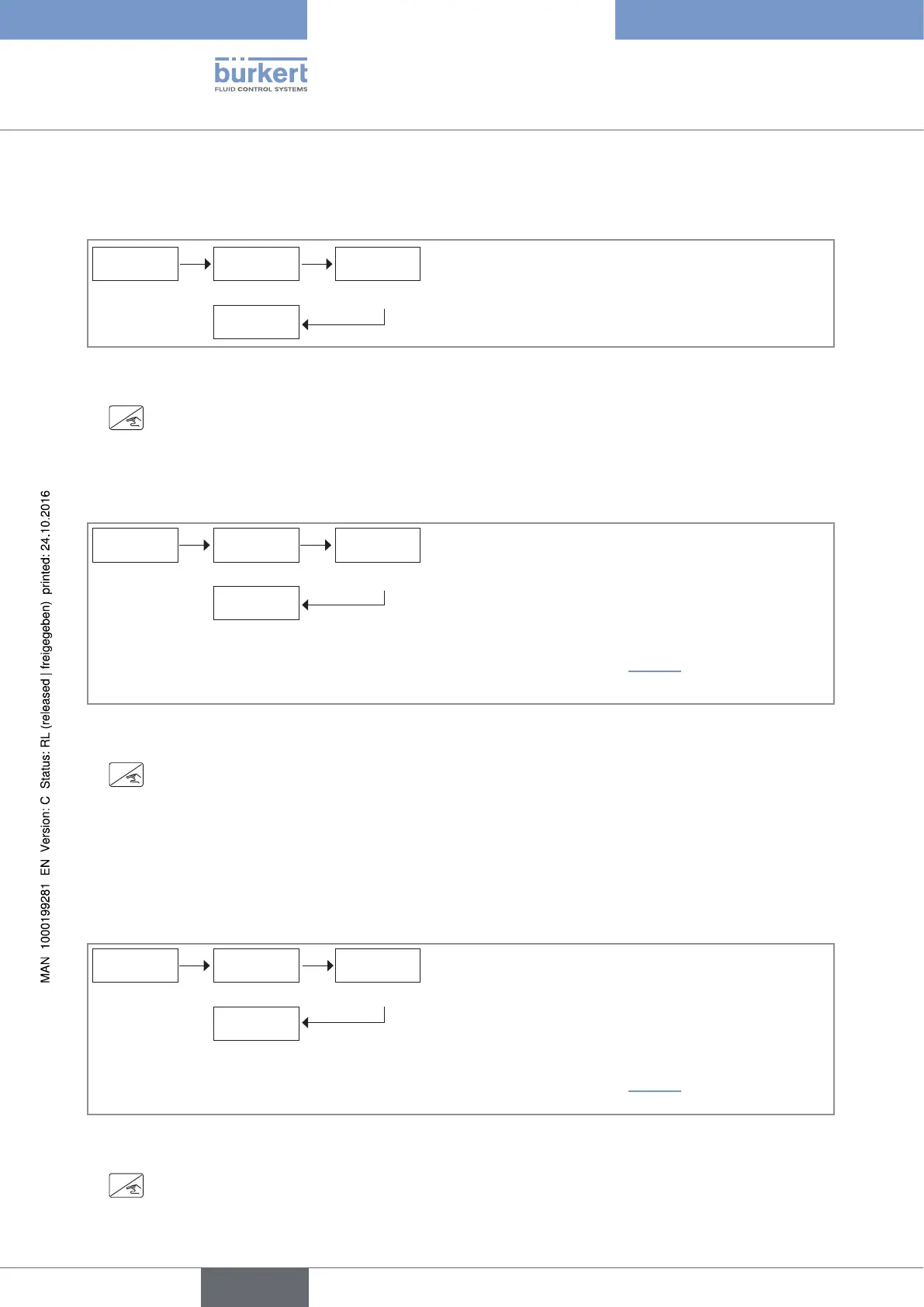
Fig. 64 : Configuring the dosing mode "LOC. MANU."
→ If you do not want to adjust another parameter, go to the "END" parameter of the Parameters menu and press
ENTER
to save the settings or not and go back to the Process level.
10.7.7 Configuring the dosing mode "LOC. MEM."
This dosing mode allows for starting the dosing, via the navigation keys, of a quantity saved in the memory.
OPtiONAL MODE LOC. MEM.
→ Confirm.
VOLUMES
→ Confirm.
→ Enter up to 7 dosing quantities into the memory. See chap. 10.7.14.
Fig. 65 : Configuring the dosing mode "LOC. MEM."
→ If you do not want to adjust another parameter, go to the "END" parameter of the Parameters menu and press
ENTER
to save the settings or not and go back to the Process level.
10.7.8 Configuring the dosing mode "MEM+MANU"
This dosing mode allows for:
• either entering a dosing quantity and starting the dosing, via the navigation keys,
• or starting the dosing, via the navigation keys, of a quantity saved in the memory.
OPtiONAL MODE MEM.+MANU.
→ Confirm.
VOLUMES
→ Confirm.
→ Enter up to 7 dosing quantities into the memory. See chap. 10.7.14.
Fig. 66 : Configuring the dosing mode "MEM+MANU"
→ If you do not want to adjust another parameter, go to the "END" parameter of the Parameters menu and press
ENTER
to save the settings or not and go back to the Process level.
English
Type 8025 - 8035 - SE35 BATCH



 To Next Page