Setup
34 ©2020 CAE 905K640152 v1.1
CAEAres
c. Place a metal washer on top of the spring.
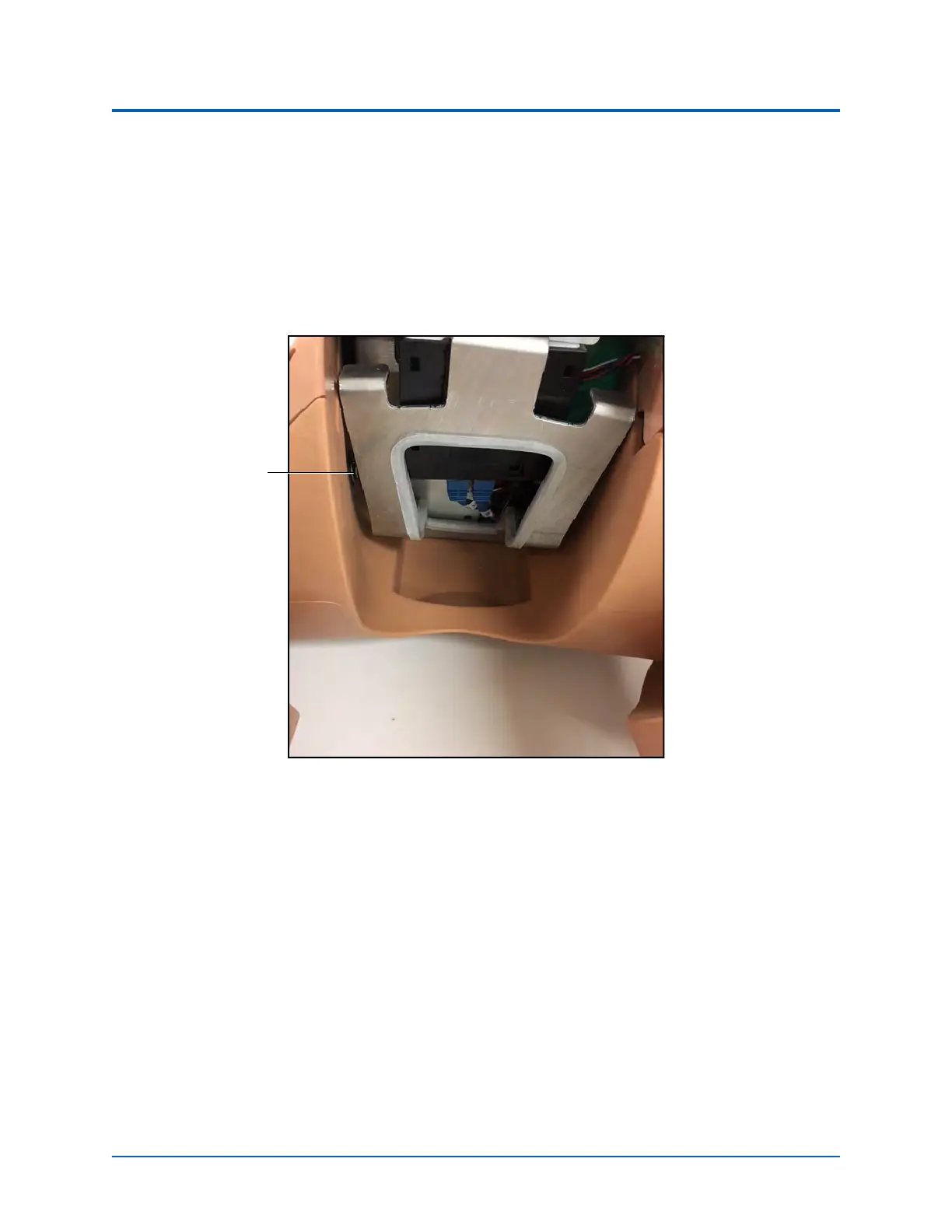
d. Through the hole in the metal frame where the genitalia was located, fasten the
assembly to the torso with the knurled nut and spring assembly. Place the spring end
onto the leg screw.
e. Ensure the metal washer is against the simulator’s body. The metal washer prevents the
spring from damaging the plastic.
Attaching Ares’ Legs
f. Ensure that the leg moves freely.
g. Repeat steps a through f for the second leg.
h. Reattach the genitalia and skin.
Metal
washer



 To Next Page