©2020 CAE 905K640152 v1.1 89
Care and Maintenance
h. Disconnect syringe from IV prime port.
i. Disconnect the IV tubing and bag from the IV drain port.
j. Empty the IV bag.
k. Reconnect the IV tubing and empty IV bag to the drain port.
Step 3: Maintaining IM Injection Sites
If the simulation included use of IM injection equipment, perform the following steps prior to storing
the manikin:
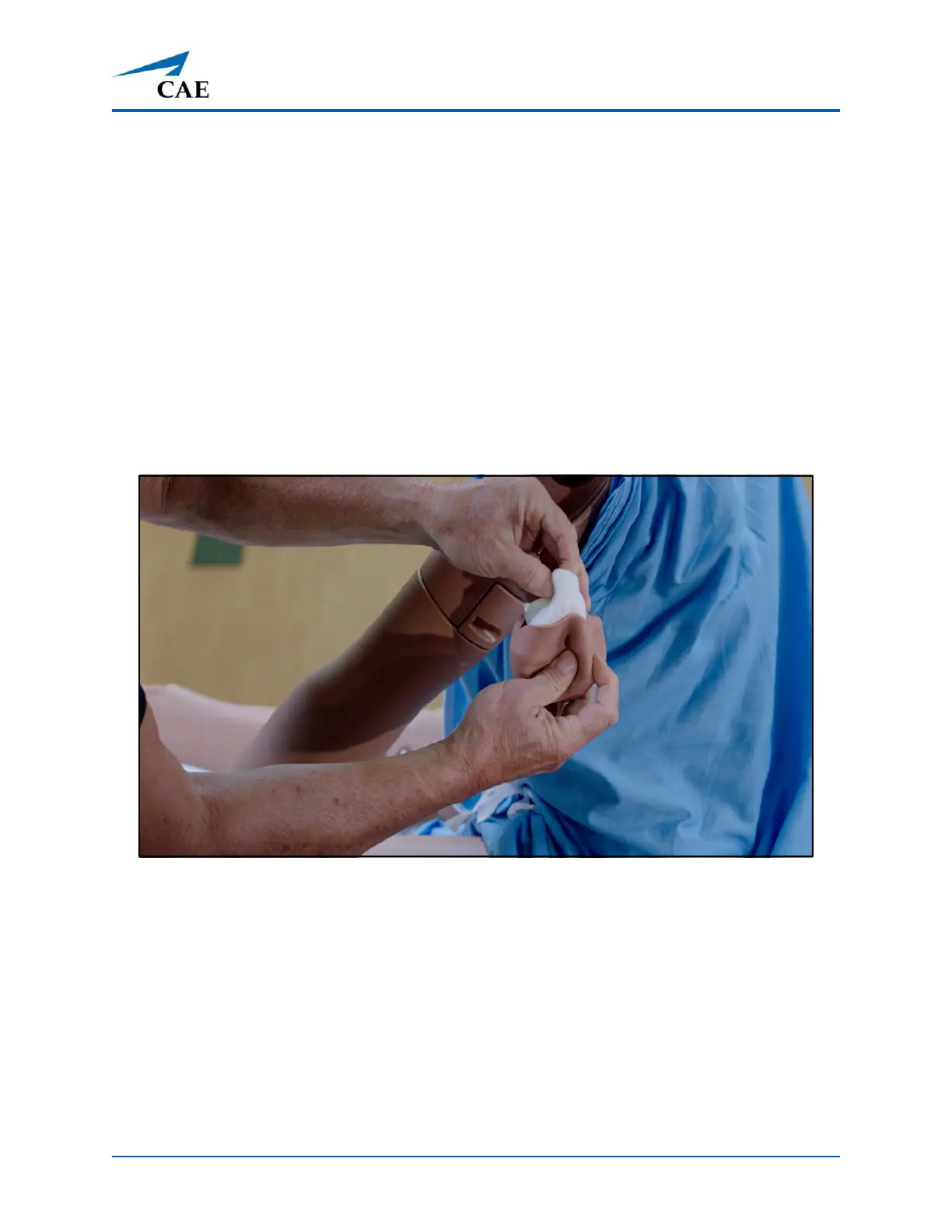
a. Remove the pad from the injection site.
b. Remove the sponge from inside the pad.
Remove the Sponge from the IM Pad



 To Next Page