Setup
36 ©2020 CAE 905K640152 v1.1
CAEAres
Step 5: Attach Ares’ IV Arm
The following tools and hardware are included:
• One (1) Phillips screwdriver
• The IV arm
To attach the IV arm:
a. Attach the mounting screw to the hole in the shoulder mount.
b. Use the screwdriver to tighten the mounting screw until it is snug and the arm moves
freely.
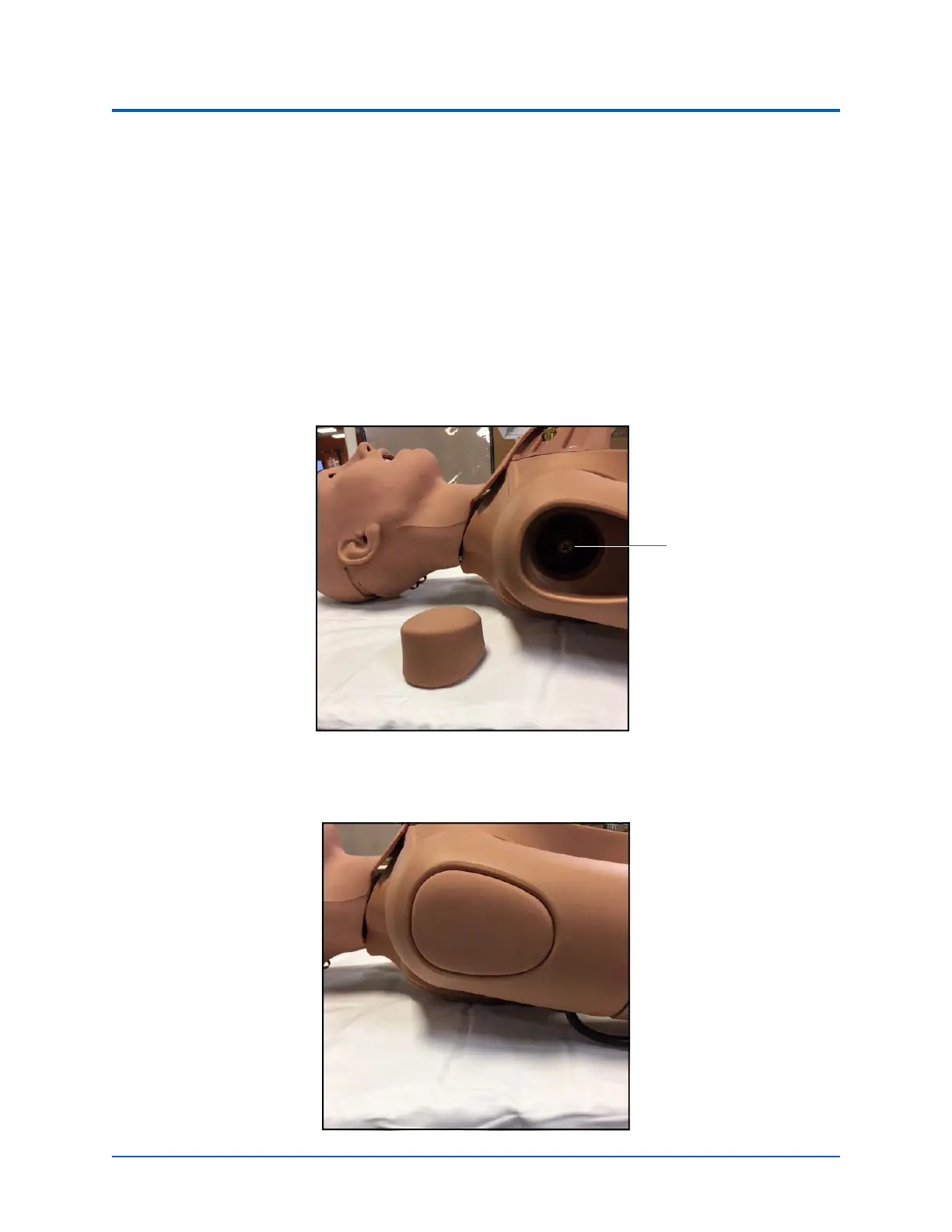
IM/IO Pad Removed
c. Reinsert the IM/IO pad into the arm.
IM/IO Pad Inserted
Mounting
screw



 To Next Page