©2020 CAE 905K640152 v1.1 41
Setup
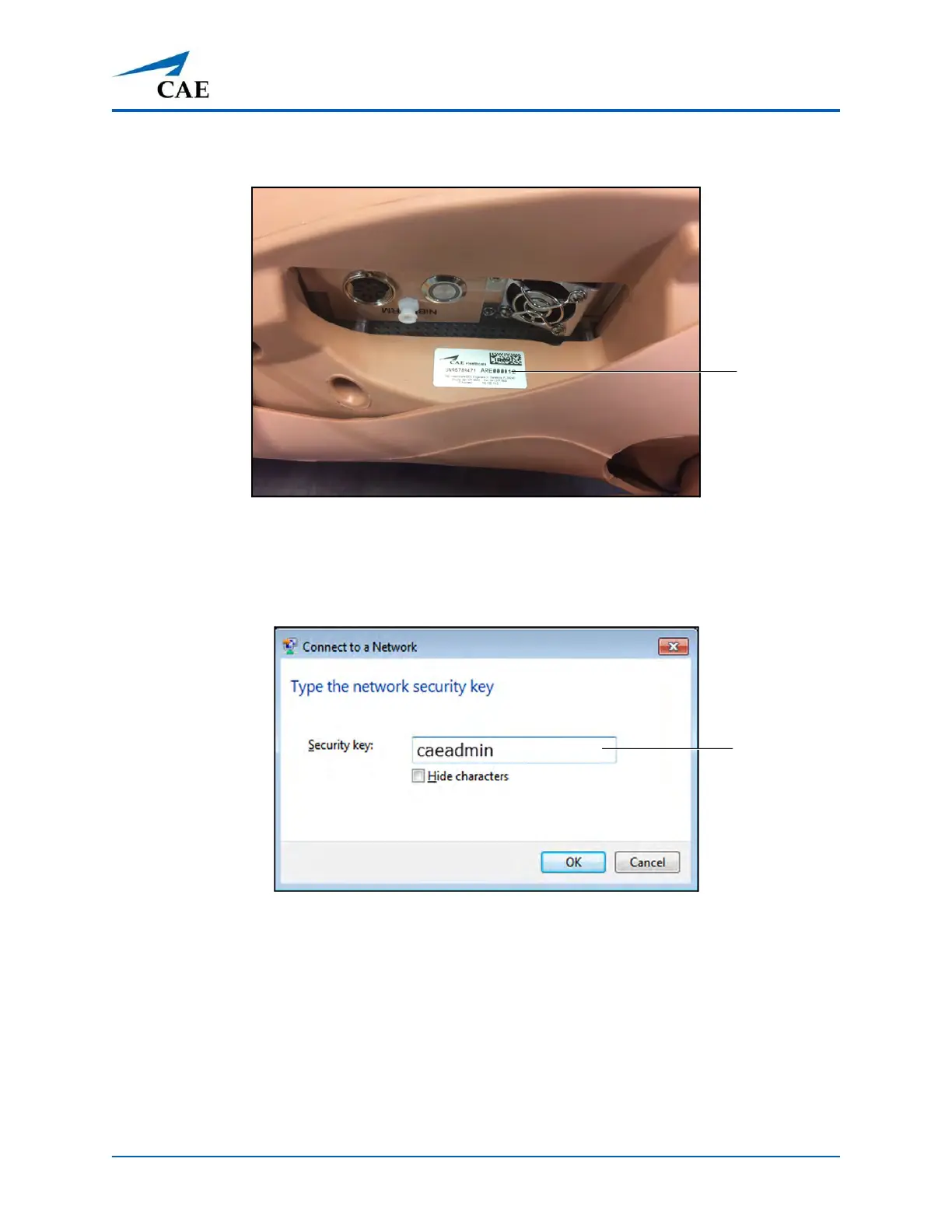
NOTE: Ares' serial number is located on the left side of the torso by the power
button.
Ares Serial Number Location
d. Tap the Ares network.
The Connect to a Network dialog box appears.
Connect to a Network Screen
e. Enter caeadmin in the Security key field and click OK.
The tablet is connected to the simulator’s network.
Ares serial
number
Enter
caeadmin



 To Next Page