Using Ares
78 ©2020 CAE 905K640152 v1.1
CAEAres
Ares is shipped with the male chest skin in place and no genitalia.
To change the genitalia:
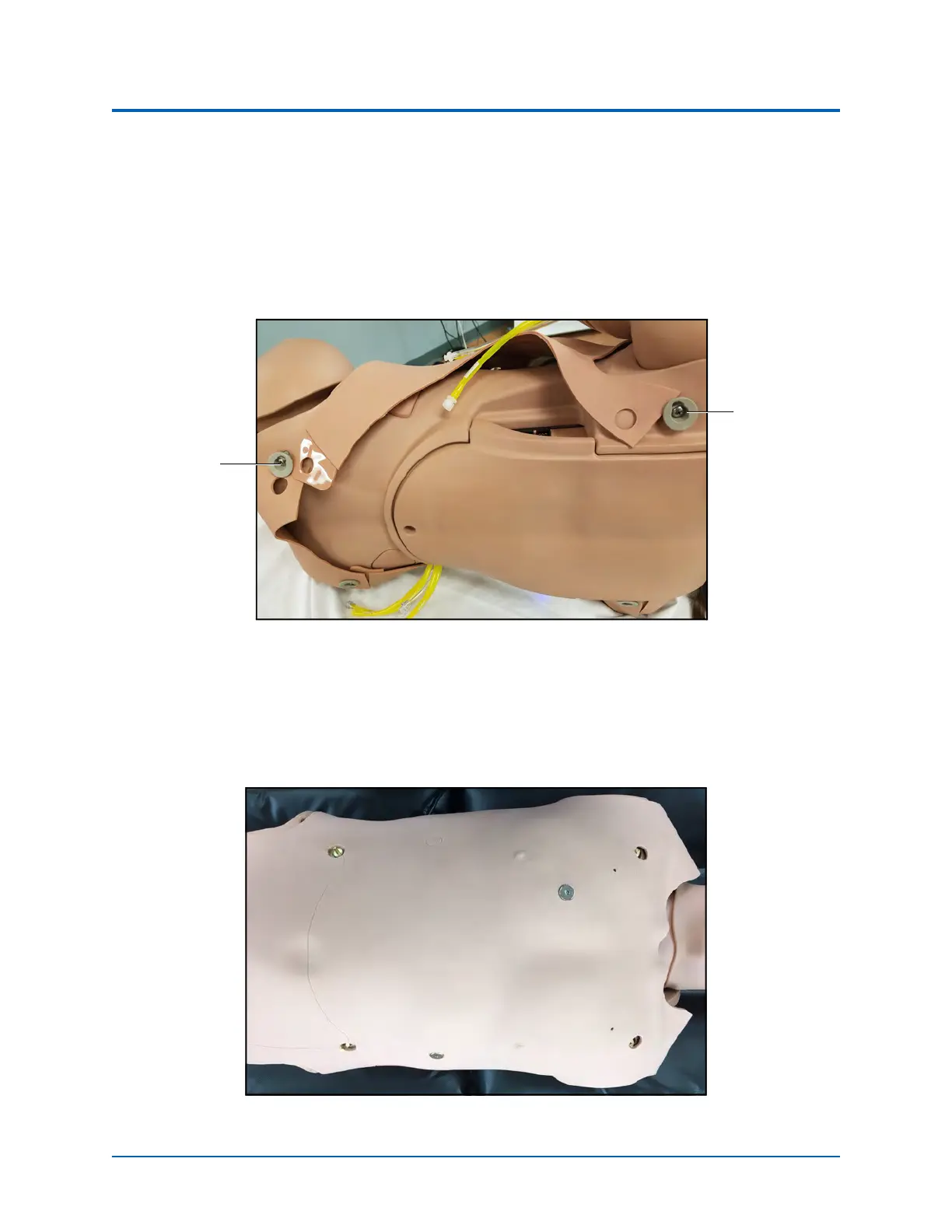
1. Roll the manikin onto its side.
2. Detach the skin from the lower torso skin attachment pegs by gently pulling the skin tabs
up and over the attachment pegs.
Left Skin Detached From Attachment Pegs
3. Repeat the procedure for both upper skin attachment pegs.
4. Roll the manikin onto its back.
5. Gently lift the chest skin off the manikin.
Chest Skin
Skin
Attachment
Peg
Skin
Attachment
Peg



 To Next Page